> For the complete documentation index, see [llms.txt](https://helpdesk.smaply.app/llms.txt). Markdown versions of documentation pages are available by appending `.md` to page URLs; this page is available as [Markdown](https://helpdesk.smaply.app/release-notes.md).
# What's new
New features and improvements in Smaply, newest first.
The latest features and improvements in Smaply, newest first. Filter by type, or subscribe to the feed to follow updates in your reader.
{% updates format="full" %}
{% update date="2026-09-22" tags="new-feature" %}
## Add portfolio items to a journey map
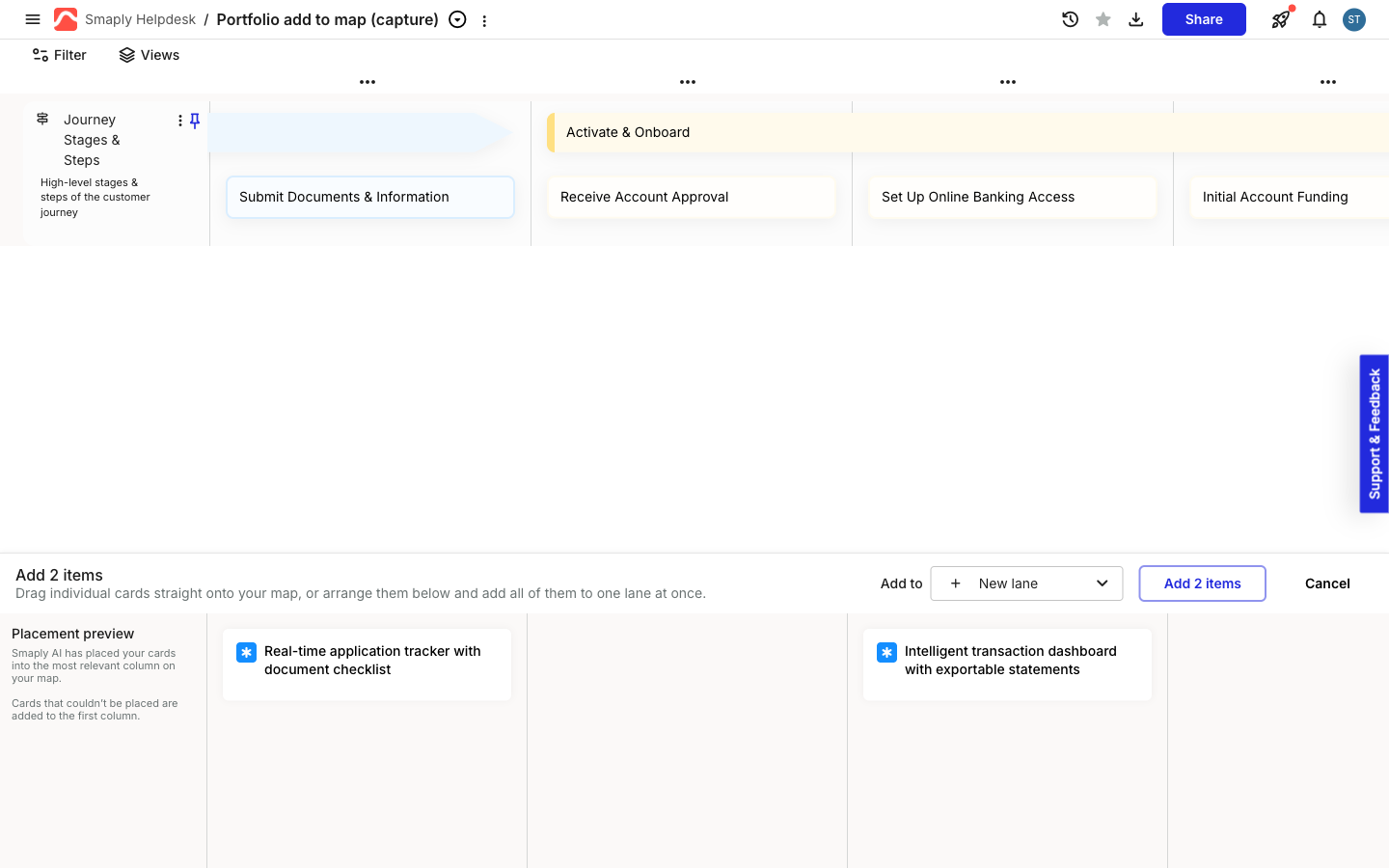
Add several pain points, opportunities, or solutions to a map at once, from the Portfolio or a Research Hub investigation, with Smaply AI placing each one on the step it best matches. See [how to add portfolio items to a journey map](/portfolio/how-to-add-portfolio-items-to-a-journey-map.md). *(Framework plan and above)*
{% endupdate %}
{% update date="2026-09-16" tags="new-feature" %}
## Shape cards
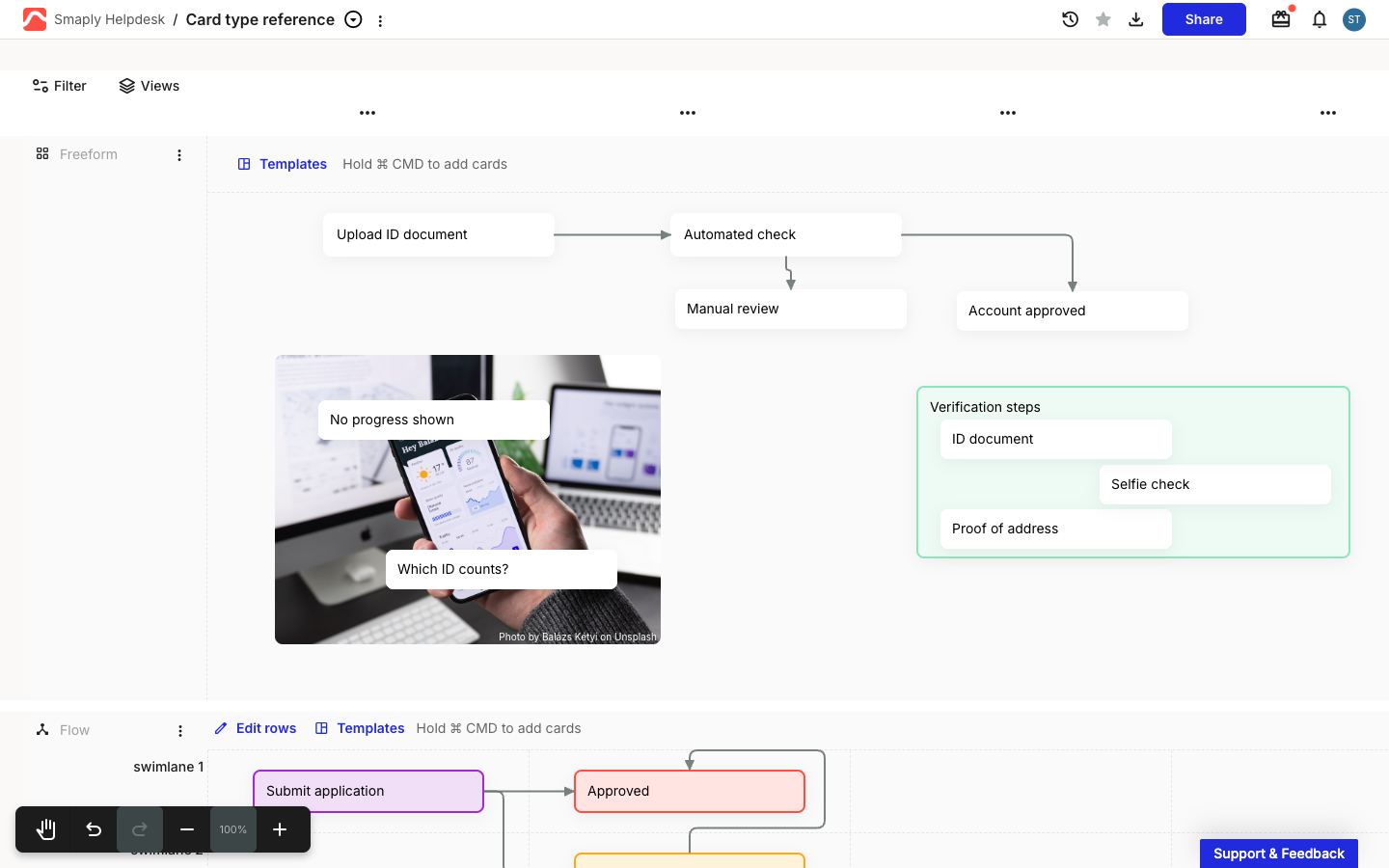
Build a flowchart right on your journey map: drop a square, diamond, circle, triangle, hexagon, or pill into a flow or freeform lane, then connect them with arrows to map a [process flow, decision tree, or BPMN diagram](/journey-maps/cards/how-to-use-shape-cards.md). The **BPMN** and **Decision tree** flow lane templates now build their layout from these shapes, so you can start from a ready-made diagram instead of placing every node yourself. *(Repository plan and above)*
{% endupdate %}
{% update date="2026-09-11" tags="new-feature" %}
## Card type conversion
Turn a pain point you drafted quickly as a text card into a real, tracked item, or promote a pain point you've worked on into an opportunity or solution, without rebuilding the card. Convert one card or a whole selection at once, and its text, colour, personas, tags, and comments carry over. See [how to change a card's type](/journey-maps/how-to-change-a-cards-type.md). *(Repository plan and above)*
### Lock journey map
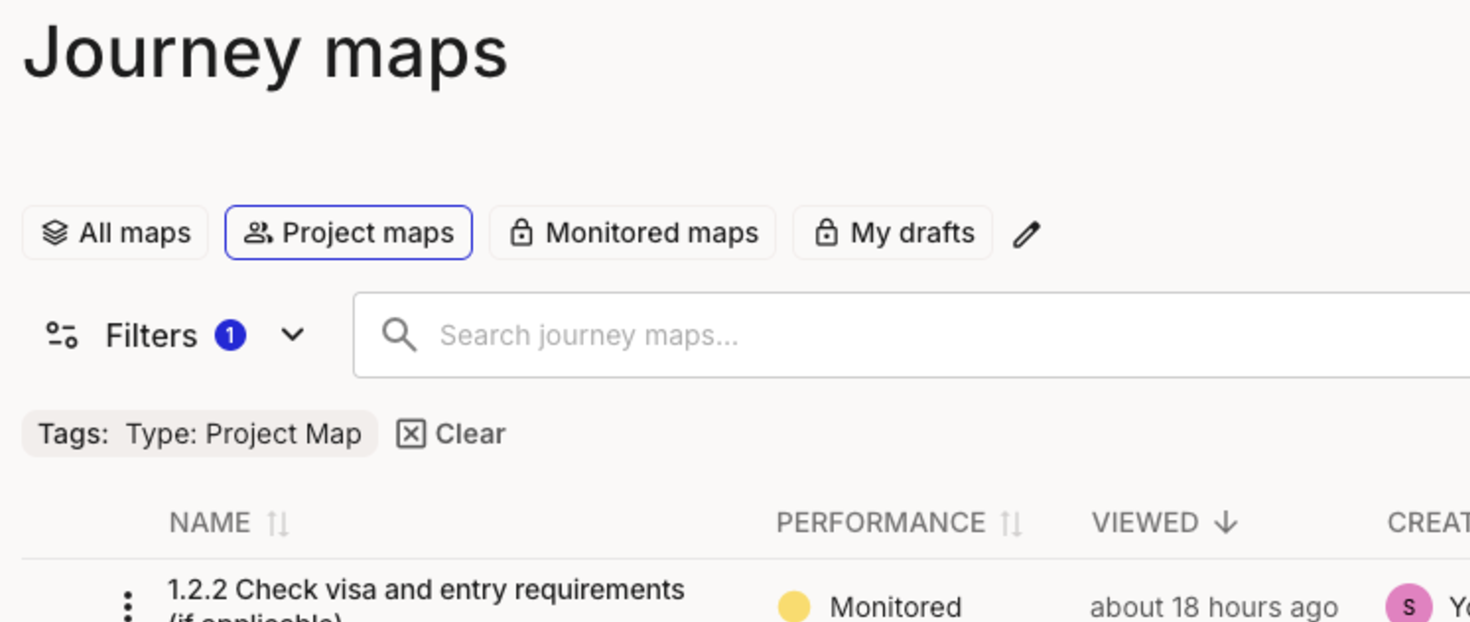
Freeze a journey map before a review so nobody edits it by accident while your team keeps leaving feedback in comments. Lock it from the journey maps list or from inside the editor, then unlock it with one click when you're ready to make changes again. See [how to lock a journey map](/journey-maps/how-to-lock-a-journey-map.md). *(Repository plan and above)*
{% endupdate %}
{% update date="2026-08-31" tags="new-feature" %}
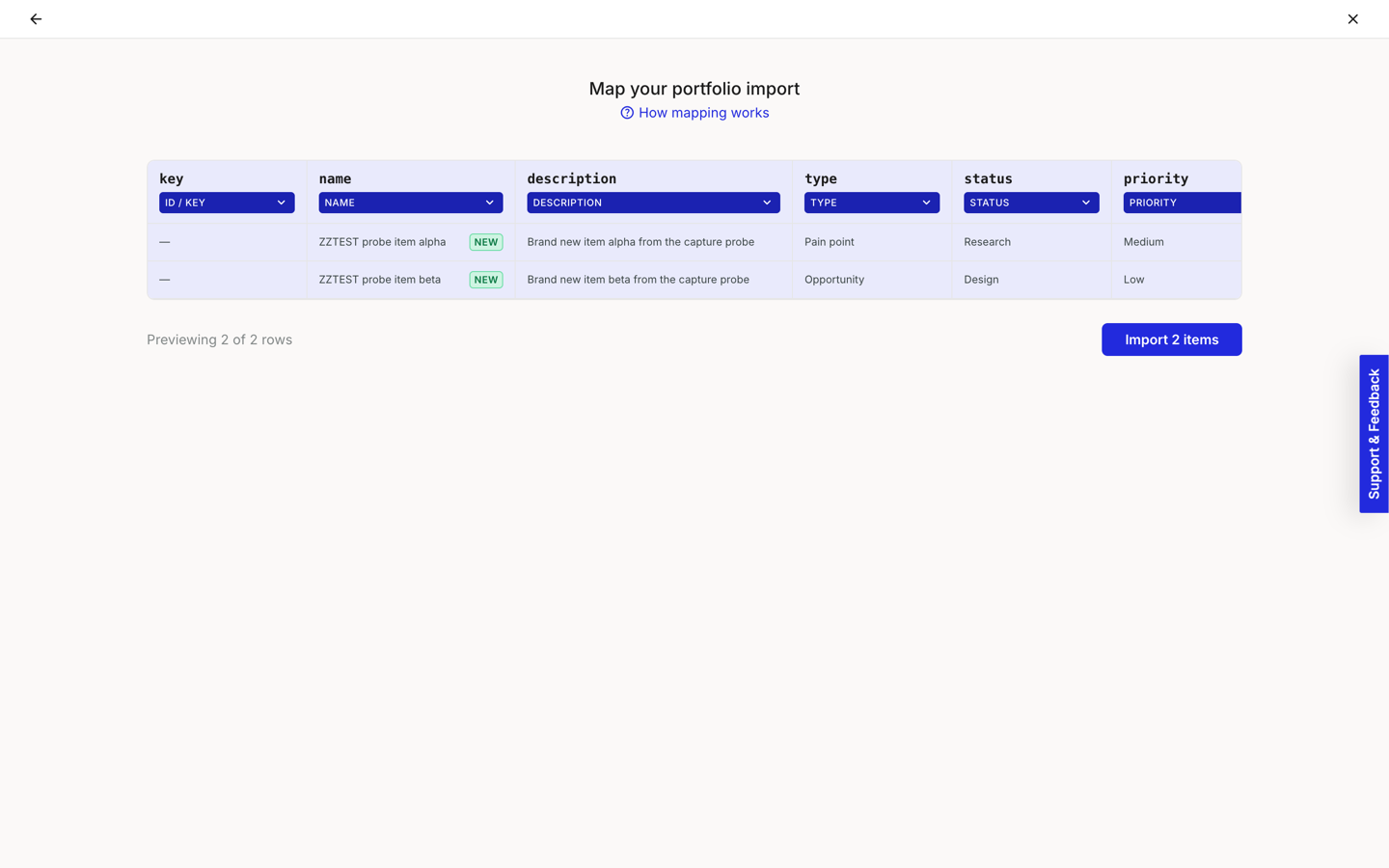
## Import portfolio items from a spreadsheet
Bring pain points, opportunities, solutions, or custom items in from a CSV or Excel file instead of adding them one by one. Map your columns to the right fields, and Smaply creates new items or updates existing ones for you. See [how to import portfolio items from a spreadsheet](/portfolio/how-to-import-portfolio-items-from-csv.md). *(Framework plan and above)*
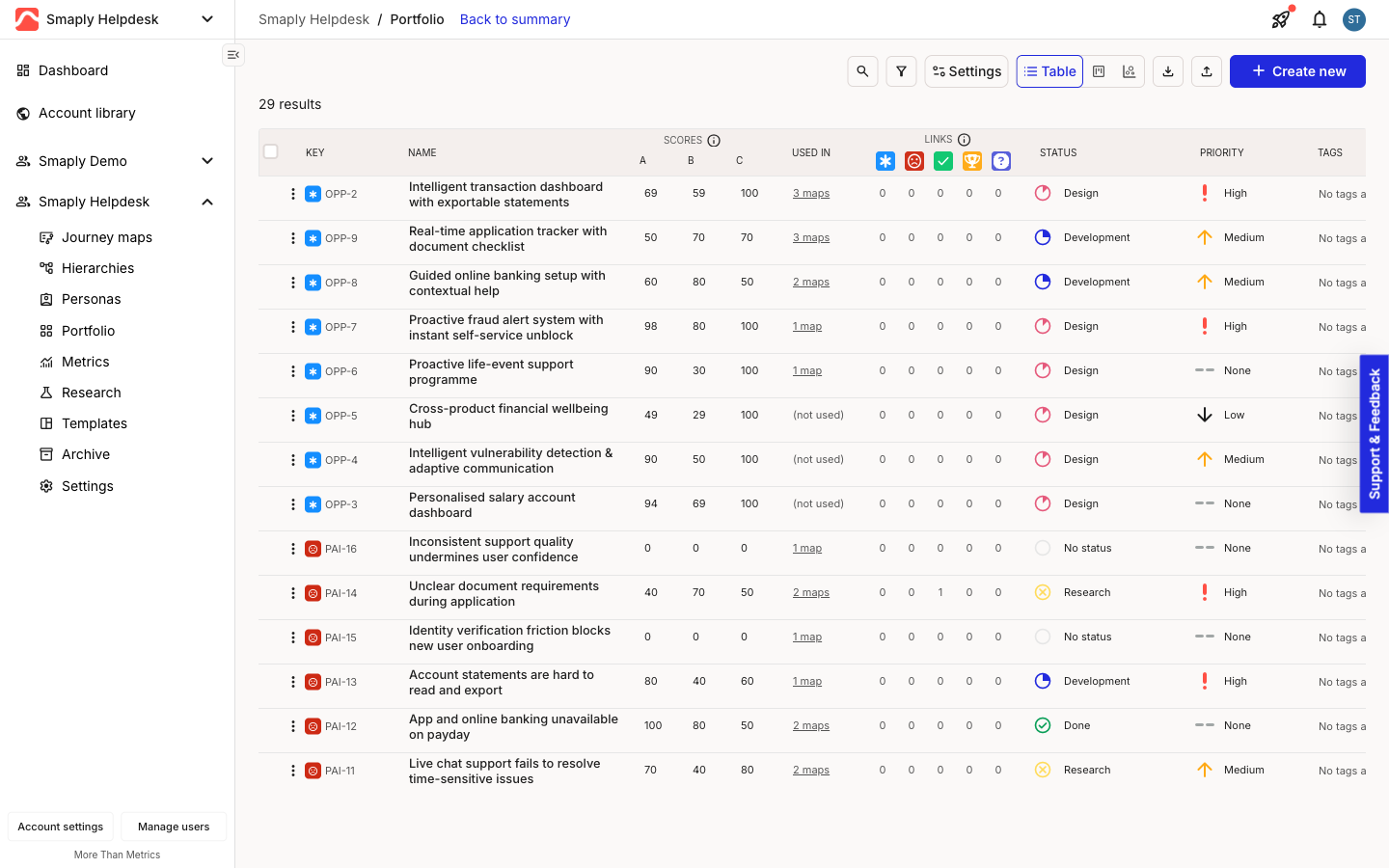
### Portfolio item keys
Every portfolio item now has a short, permanent key, like OPP-2 or PAI-16, shown in the portfolio table and board. Click one to copy a direct link to that item. See [how to use the portfolio table](/portfolio/prioritization/how-to-use-the-portfolio-table.md).
{% endupdate %}
{% update date="2026-08-28" tags="new-feature" %}
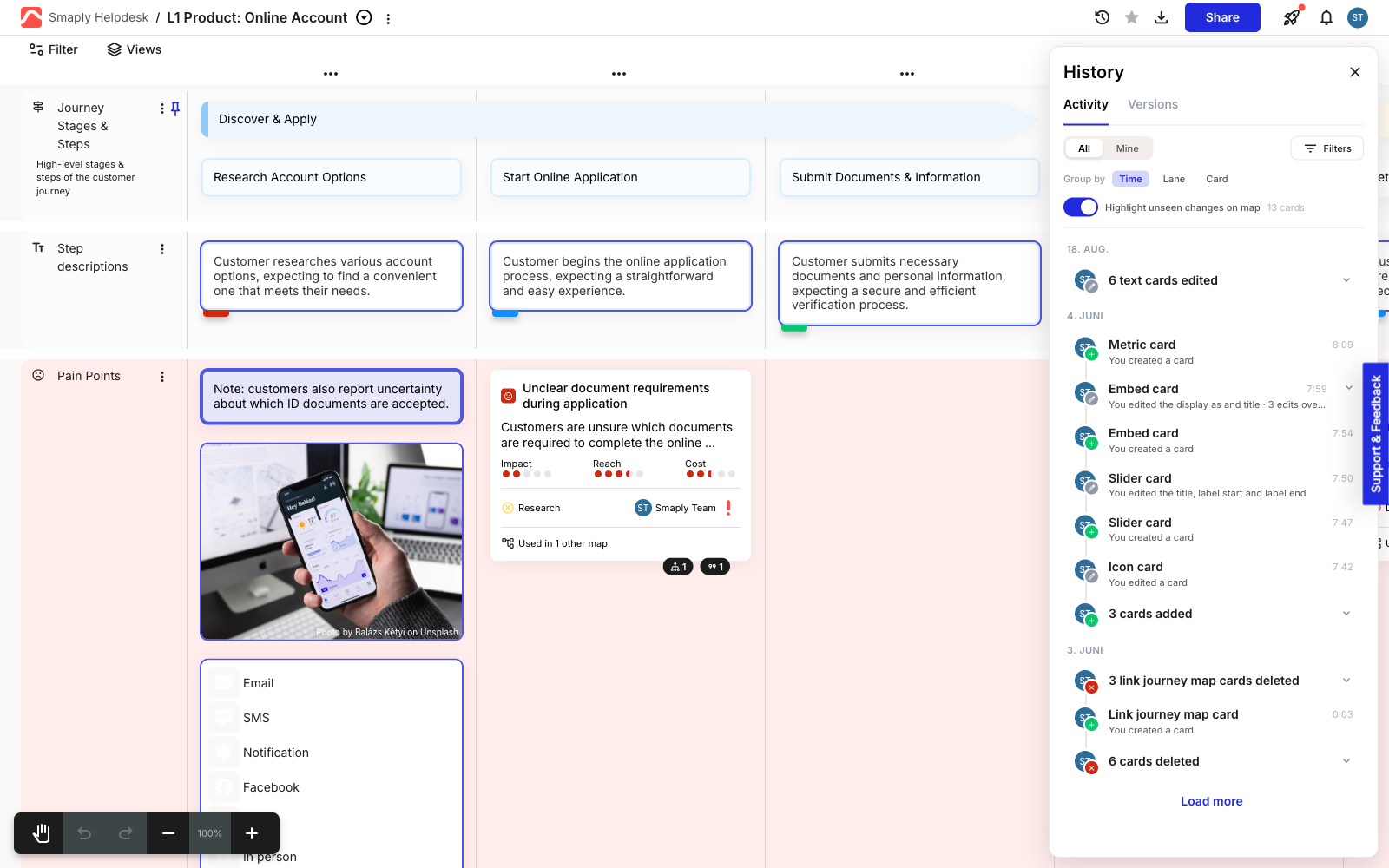
## Activity history
See exactly who changed what on a journey map, and when. Open the History panel's new Activity tab to browse a feed of every card change, group it by time, lane, or card, and highlight any changes you haven't seen yet directly on the canvas. See [how to use activity history](/journey-maps/how-to-use-activity-history.md). *(Governance plan)*
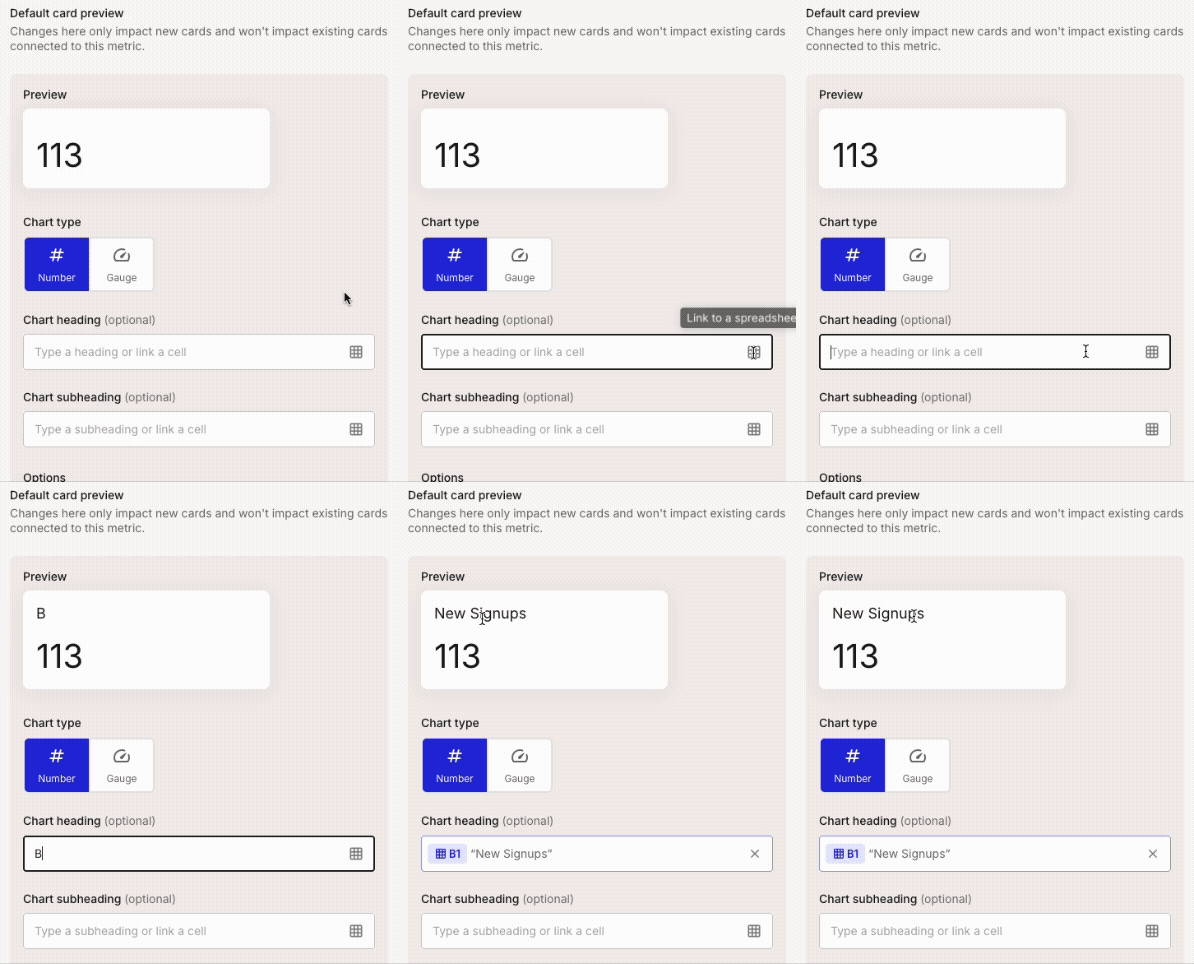
### Metric heading linked to a spreadsheet cell
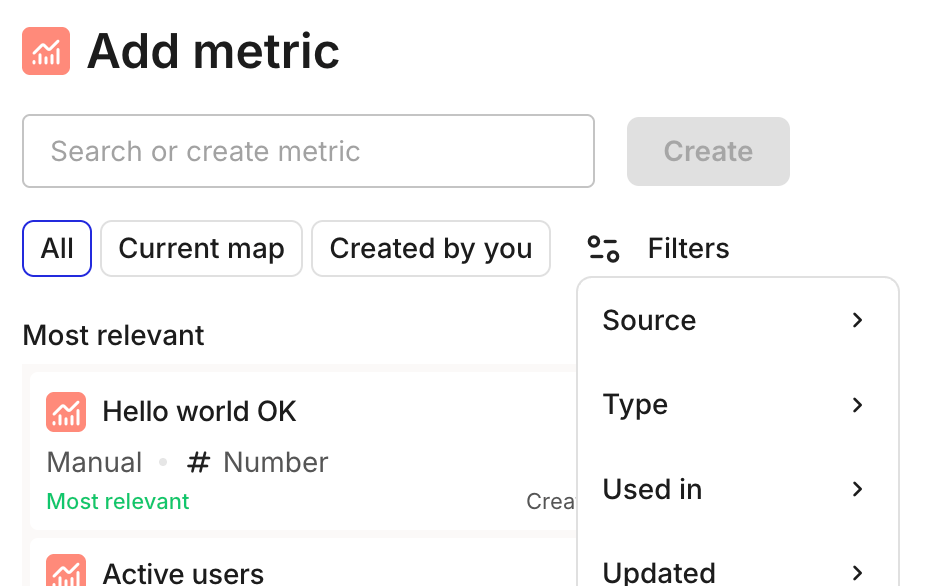
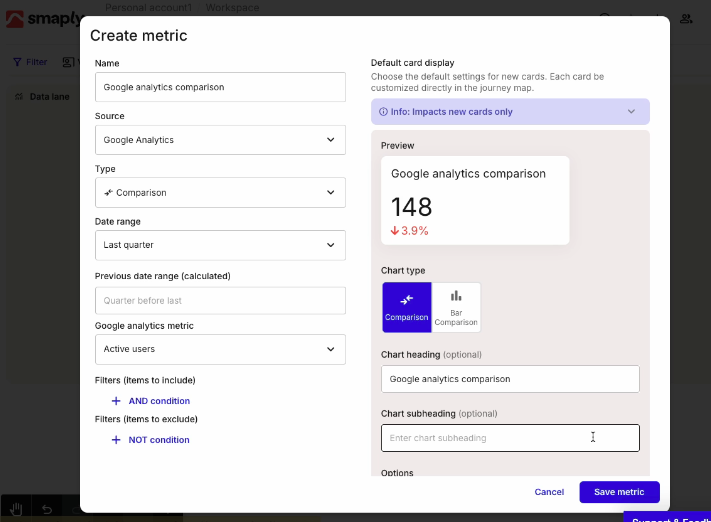
Metric cards can now pull their heading straight from your spreadsheet. Point a chart heading or subheading at a cell in your connected Google Sheets or Excel file, and it updates automatically whenever that cell changes. See [how to create and configure a metric](/metrics/how-to-create-and-configure-a-metric.md).
{% endupdate %}
{% update date="2026-08-18" tags="new-feature" %}
## Card height
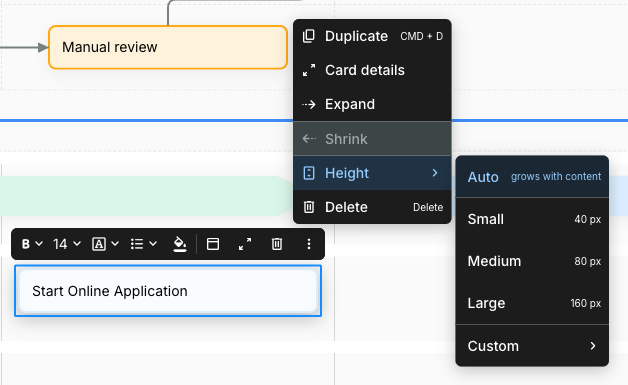
Give text and stage cards a fixed height instead of letting them grow with their content, so the cards in a lane line up neatly. Choose a preset size or a custom height in pixels from the card's menu, or select several cards at once and use Match largest to size them all to the tallest one in one click. See [how to add and edit cards](/journey-maps/cards/how-to-add-and-edit-cards.md#set-a-cards-height).
{% endupdate %}
{% update date="2026-08-08" tags="new-feature" %}
## Multi-slider cards
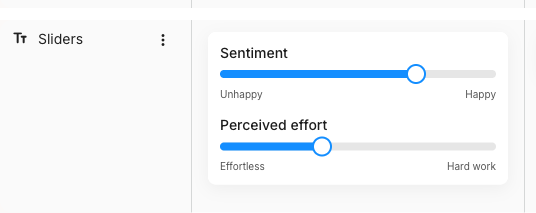
Stack several ratings on one card instead of spreading them across your map. A slider card now holds more than one slider, each with its own title and end labels, plus a new Display style to switch between a handle, a dot, or a filled bar. See [how to use slider cards](/journey-maps/cards/how-to-use-slider-cards.md).
{% endupdate %}
{% update date="2026-08-08" tags="new-feature" %}
## Spreadsheet import for Research Hub
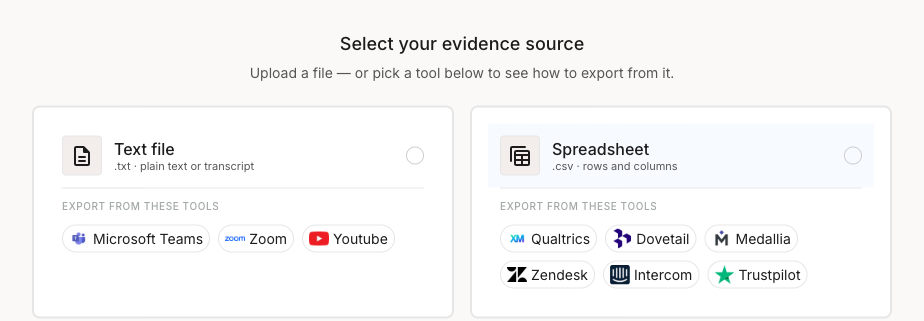
Bring structured feedback into an investigation as a CSV or Excel file, whether it's a Qualtrics survey export, a Zendesk ticket export, or any spreadsheet of responses. Smaply auto-detects your feedback column and any metadata like date or channel, so you're ready to analyze in a couple of clicks. See [how to create an investigation](/research-hub/how-to-create-an-investigation.md).
{% endupdate %}
{% update date="2026-08-07" tags="new-feature" %}
## Lane templates
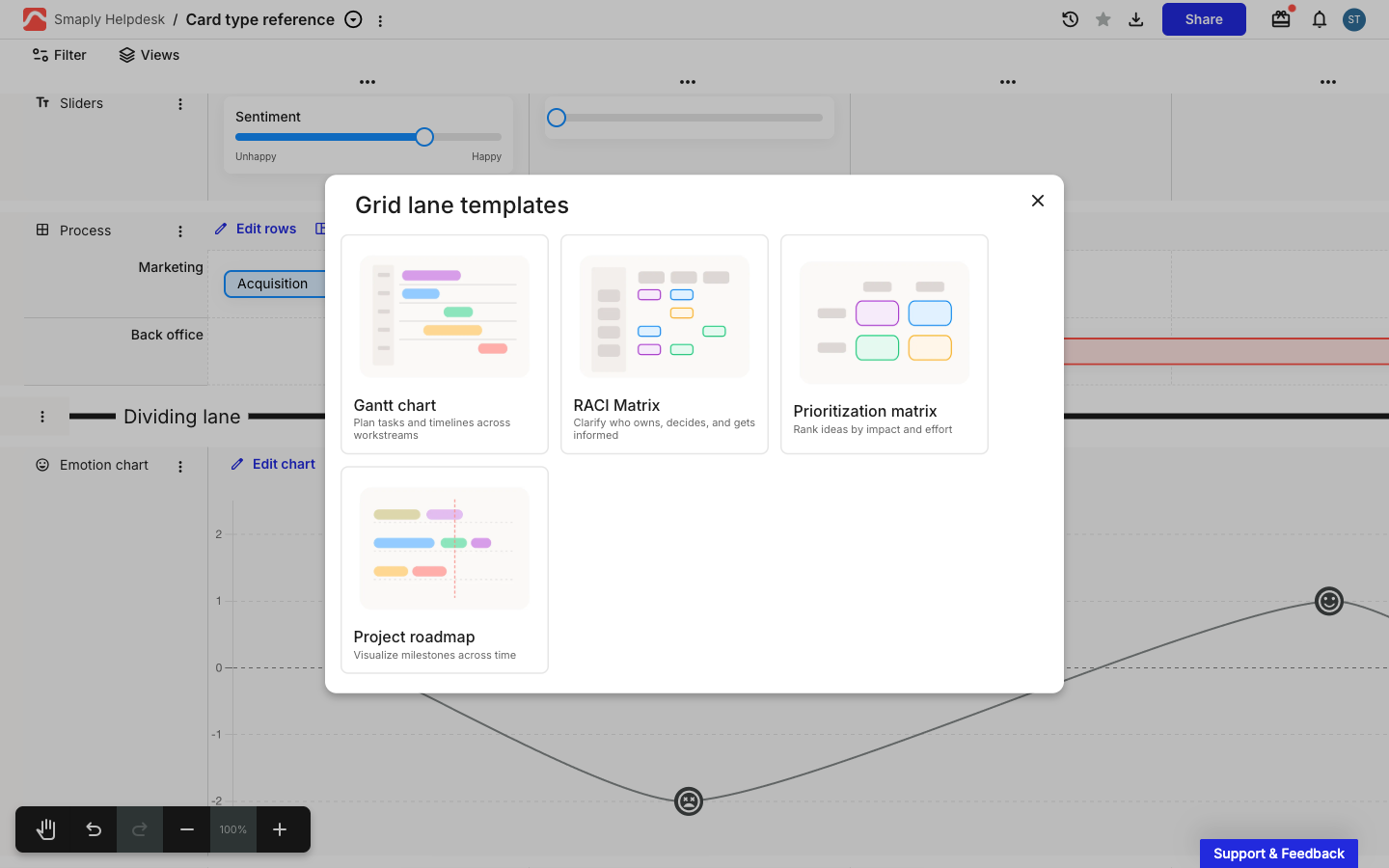
Skip the blank-canvas setup. Grid, flow, and freeform lanes now offer ready-made templates, like a RACI Matrix, a BPMN process diagram, or a mind map, that lay out the structure for you. Click Templates in the lane's header to pick one. See [how to use grid lanes](/journey-maps/lanes/how-to-use-grid-lanes.md).
{% endupdate %}
{% update date="2026-08-07" tags="new-feature" %}
## Freeform lanes
Lay cards out anywhere you like, off the journey map's column grid. A freeform lane turns a lane into an open canvas: place cards wherever you want, connect them with arrows the same way you would in a flow lane, and they stay exactly where you put them as the rest of the map changes. Start from a ready-made template, like a mind map or an affinity map, instead of placing every card yourself. Add it from the lane picker like any other lane. See [how to use freeform lanes](/journey-maps/lanes/how-to-use-freeform-lanes.md). *(Repository plan and above)*
{% endupdate %}
{% update date="2026-07-07" tags="new-feature,improvement" %}
## Bulk-add cards
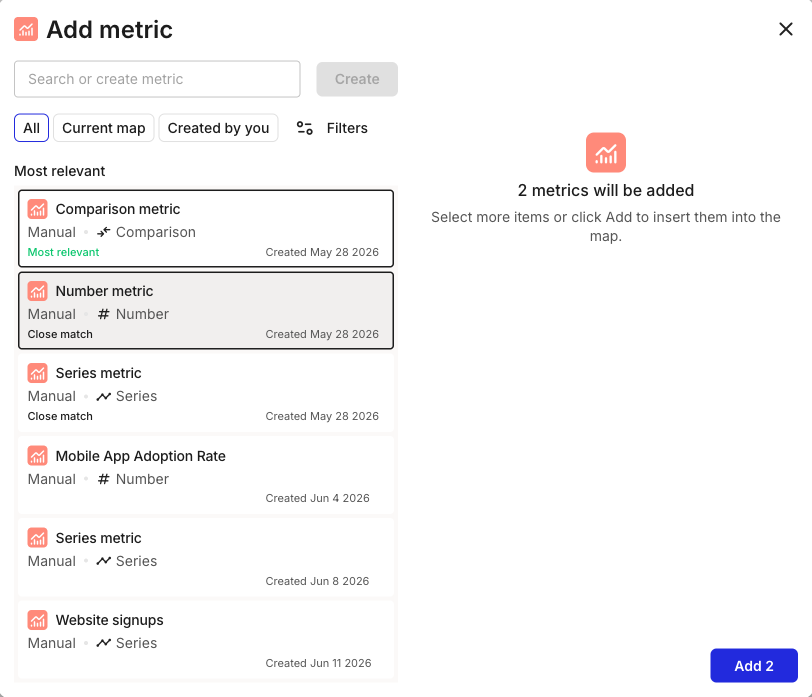
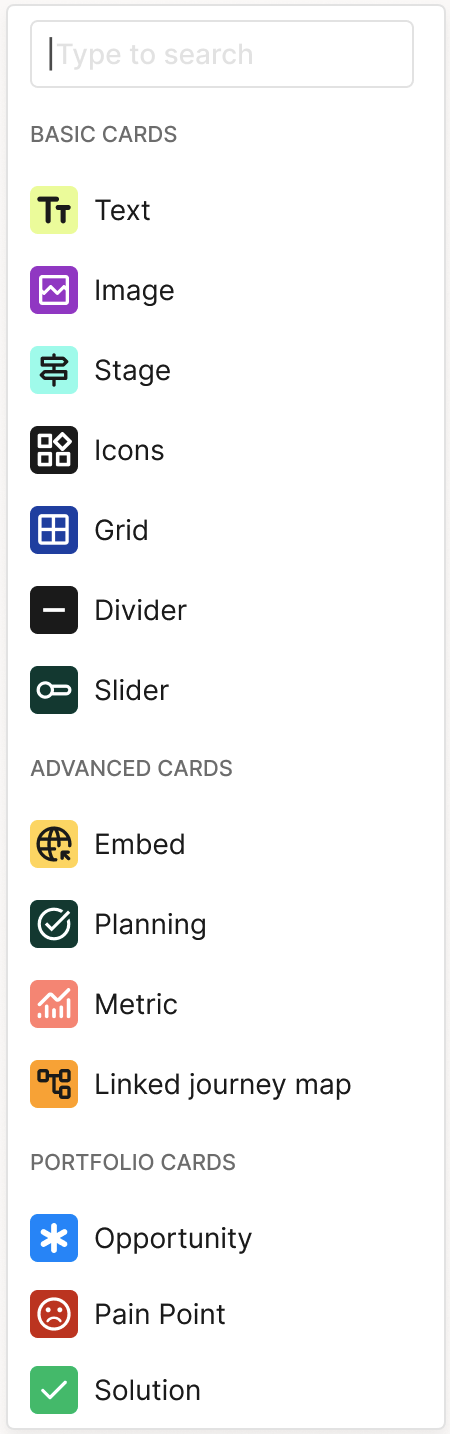
Add several cards to a journey map in one go. The add-card picker now lets you select multiple items, like metrics and portfolio items, and add them all at once instead of one at a time. See [how to add and edit cards](/journey-maps/cards/how-to-add-and-edit-cards.md).
### Improvements
1. **Cleaner Word paste:** pasting from Word no longer carries unwanted formatting into your text cards.
2. **Reliable Power BI refresh:** Power BI metric cards now update correctly when you refresh them.
3. **Full descriptions in PDF export:** journey map descriptions now render in full and export cleanly to a single-page PDF. See [how to export a journey map as PDF](/sharing-and-exporting/how-to-export-a-journey-map-as-pdf.md).
4. **Tags stay deleted:** a card tag you delete no longer reappears on the map.
5. **Clearer AI settings label:** the AI feature once shown as "Evidence lab" is now **Research hub** in [Account Settings](/account-and-team/how-to-configure-ai-features.md), matching its name across the app.
6. **Research investigation fixes:** smoother renaming, analysis viewing, and file handling in research investigations.
{% endupdate %}
{% update date="2026-07-07" tags="new-feature" %}
## Flow lanes
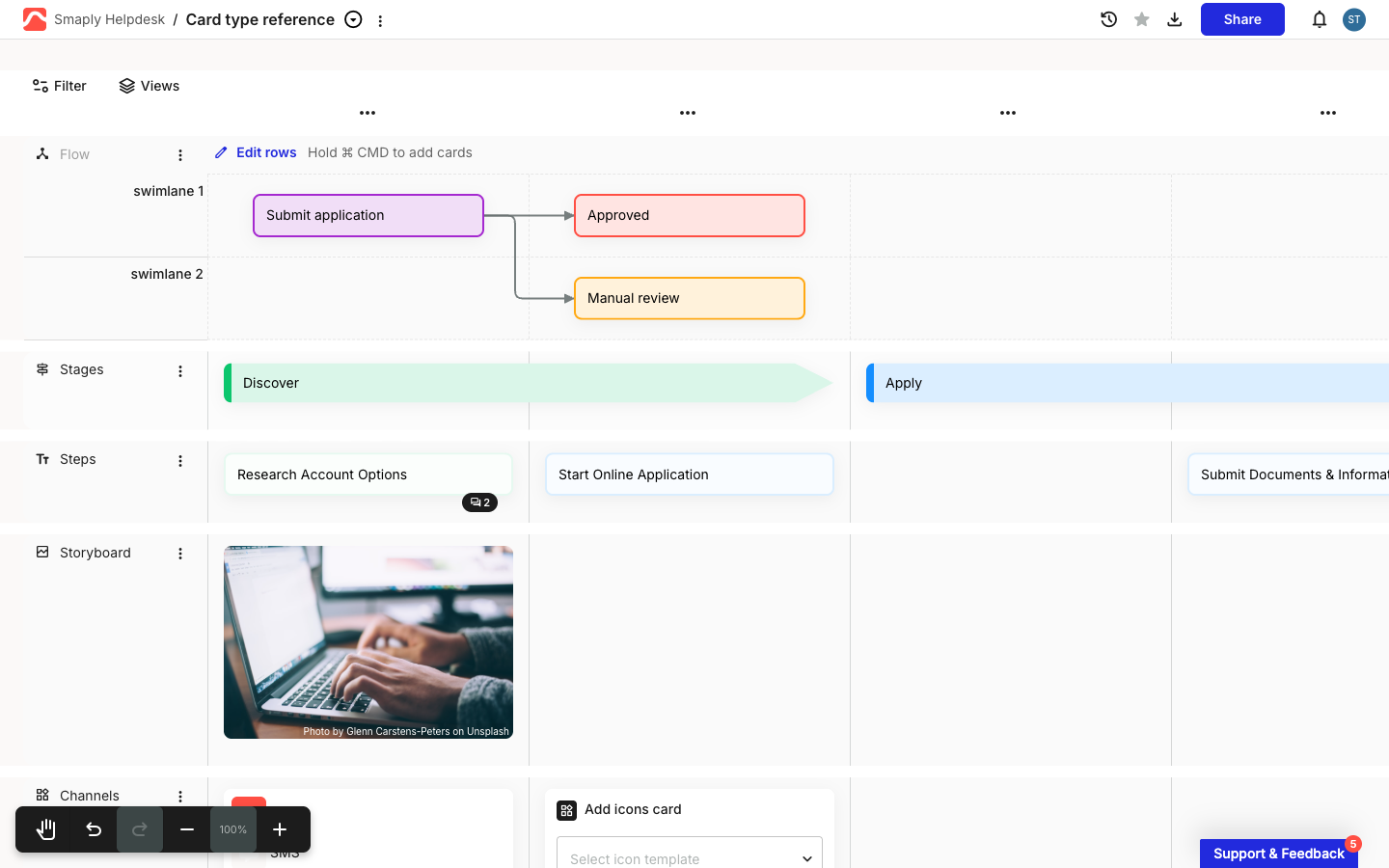
Show how one step leads to the next. A flow lane lets you draw connector arrows between cards to map a process, service blueprint, or decision flow, with swimlanes and lines of interaction to structure it. Add it from the lane picker like any other lane. See [how to use flow lanes](/journey-maps/lanes/how-to-use-flow-lanes.md). *(Repository plan and above)*
{% endupdate %}
{% update date="2026-06-29" tags="new-feature" %}
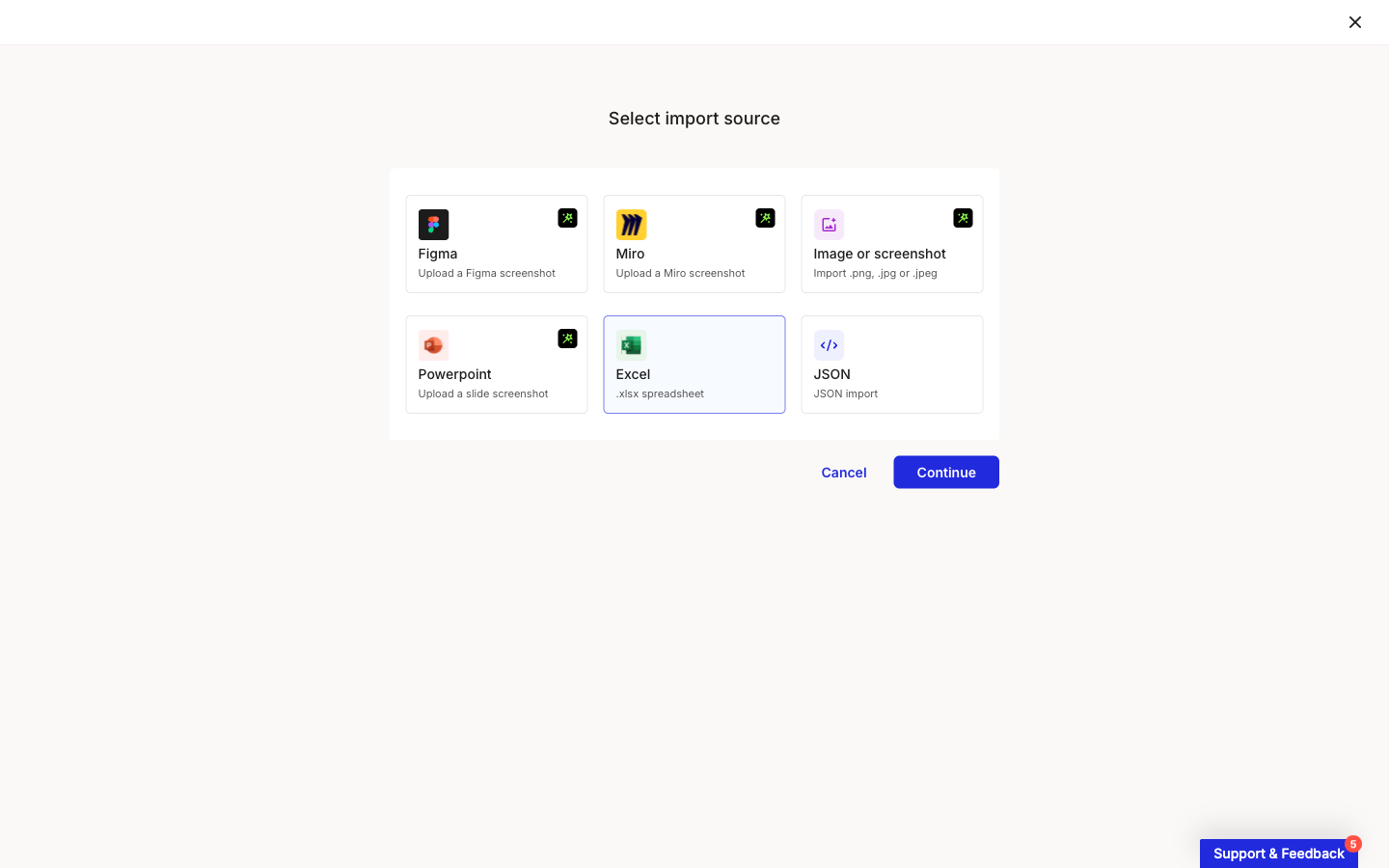
## Import journey maps from Excel
Bring a journey map you already keep in a spreadsheet straight into Smaply. The new Excel source on the import screen reads an Excel or CSV file and turns your rows and columns into stages, lanes, and cards, with options to control how the layout maps across. See [how to import from Excel](/migration/how-to-import-from-excel.md). *(Repository plan and above)*
### Import from JSON
Move a journey map between workspaces or accounts, or bring back a saved copy, by re-importing a map you exported from Smaply as JSON. Export it from the map's title menu, then pick the JSON source on the import screen. See [how to import from JSON](/migration/how-to-import-from-json.md).
{% endupdate %}
{% update date="2026-06-18" tags="new-feature,improvement" %}
## Public persona sharing
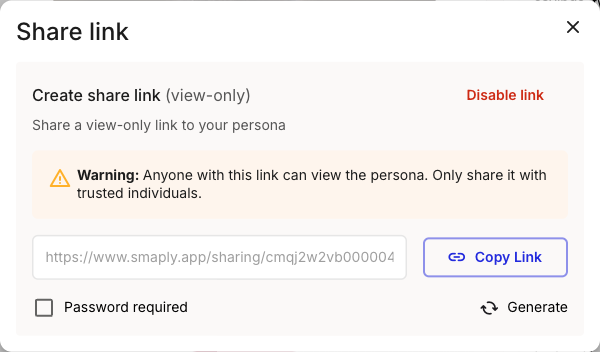
Share a persona with anyone using a read-only public link that opens in the browser, no Smaply account required, and switch on password protection when it's sensitive (available on the Framework plan and above). See [how to share or export a persona](/sharing-and-exporting/how-to-share-or-export-a-persona.md).
### Improvements
1. **Cleaner journey map PDF exports:** exported PDFs now leave out collaborator cursors and trim empty space, so the file looks like your map, not the editing session.
2. **Clearer Add Portfolio Item picker:** the picker shows full item titles and descriptions, and fuzzy search is back, so you can find and add the right item faster.
3. **Refined dashboard tables:** tidied table styling across the dashboard for easier scanning.
{% endupdate %}
{% update date="2026-05-01" tags="new-feature" %}
## Kanban view for Portfolio
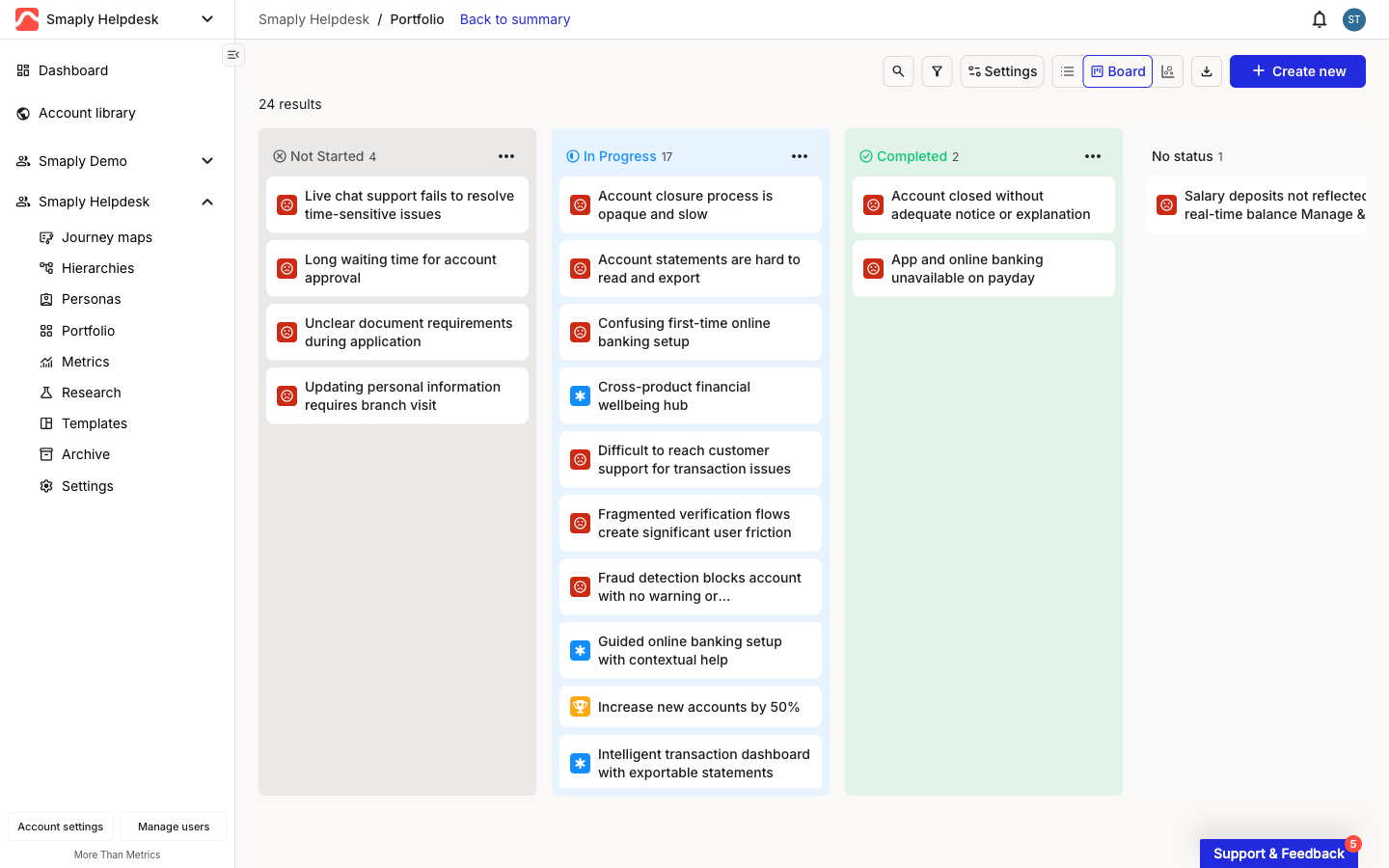
See where your portfolio work stands at a glance: the new Board view lays your portfolio out as a kanban board, with every item in a column by status, and you drag a card to the next column to move it along. Group by priority, assignee, or tag category when a different cut is more useful. See [how to use the portfolio kanban](/portfolio/prioritization/how-to-use-the-portfolio-kanban.md).
{% endupdate %}
{% update date="2026-04-01" tags="new-feature,improvement" %}
## Research hub
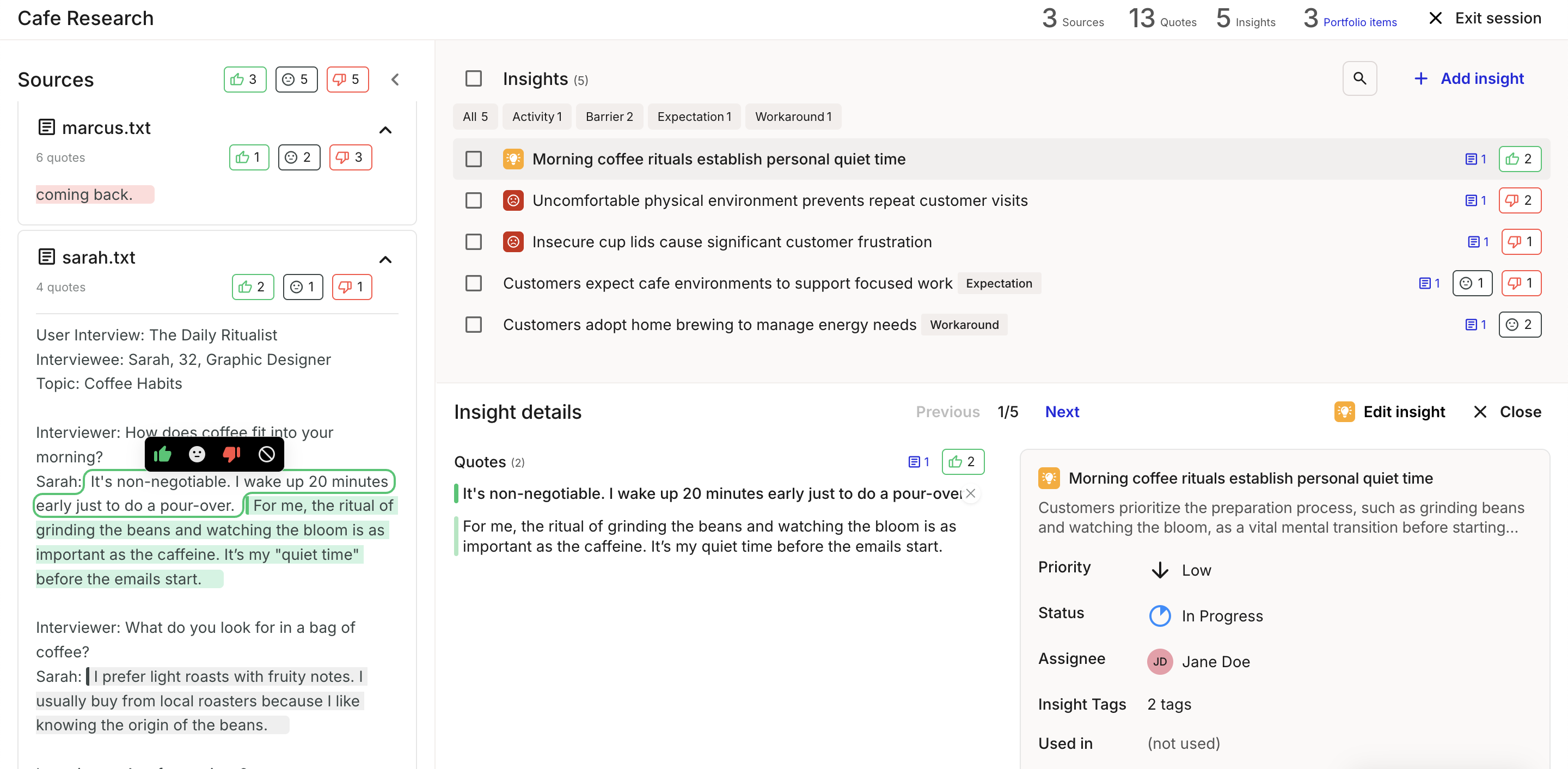
Turn raw interview research into portfolio insights without the manual slog: upload transcripts, let AI surface quotes and sentiment, and push the findings you choose straight into your [portfolio](/research-hub/research-hub.md) with a traceable link back to the source. *(Governance plan)*
### Improvements
1. **Seat management consistency:** seat counts, invitation rules, and upgrade prompts now line up across the app, so it is clearer when you are near a limit and what to do about it.
{% endupdate %}
{% update date="2026-03-01" tags="new-feature,improvement" %}
## Google Sheets and Qualtrics integrations
Pull live data into your metrics from two more sources, so your journey maps stay current without manual updates. [Google Sheets](/integrations/metrics-tools/google-sheets.md) is available on all plans; [Qualtrics](/integrations/metrics-tools/qualtrics.md) is on the Governance plan.
### Advanced journey map filtering
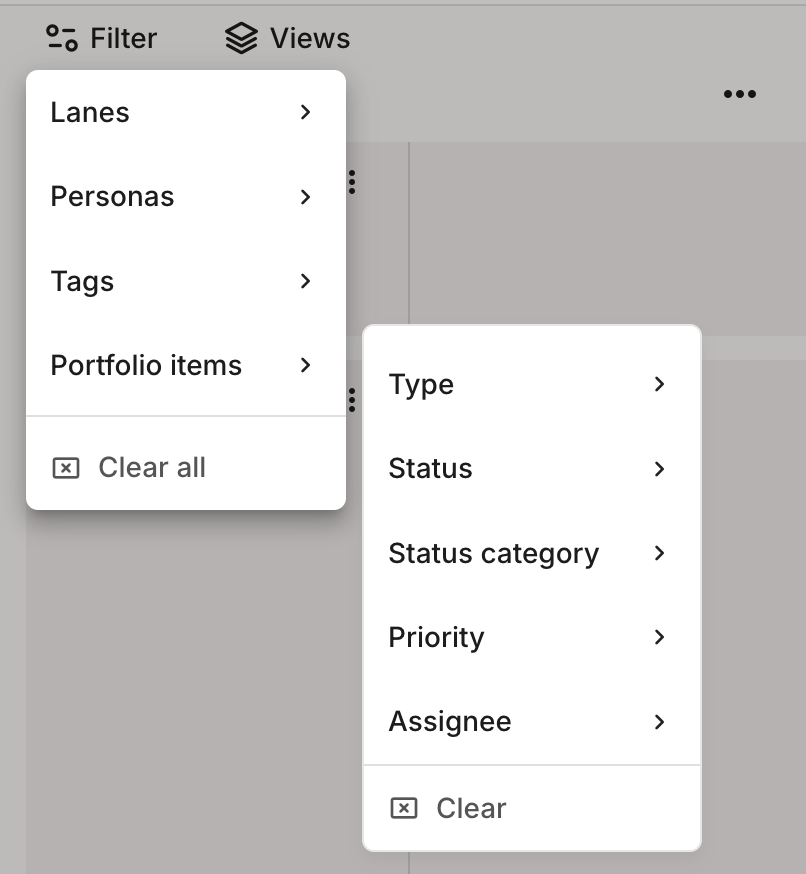
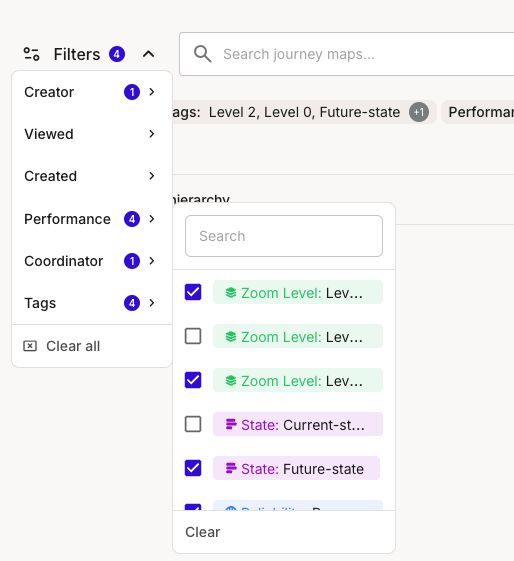
Narrow a map to exactly what you need by filtering on portfolio item attributes or tags, so large maps stay readable. See [how to filter a journey map](/journey-maps/filtering-and-views.md).
### Improvements
1. **Faster loading,** especially for large journey maps.
2. **Improved portfolio table performance** now supports 10,000+ portfolio items.
3. **New metric display option** shows labels and values in metric charts.
{% endupdate %}
{% update date="2026-02-01" tags="new-feature,improvement" %}
## Journey map version history
Your maps auto-save every 10 minutes, so you can compare or [restore an earlier version](/journey-maps/how-to-use-version-history.md) without redoing lost work. *(Governance plan)*
### Quick filters
Find the right portfolio item or metric faster: the add and create modal now has quick filters, so you are not scrolling a long list.
### Improvements
1. **Faster loading,** especially for large journey maps.
2. **Improved portfolio table performance** now supports 10,000+ portfolio items.
3. **New metric display option** shows labels and values in metric charts.
{% endupdate %}
{% update date="2026-01-01" tags="new-feature,improvement" %}
## Custom colors and branding
Add your company colors and logo so journey maps look consistent and trusted when you share them with your team and stakeholders. See [custom branding](/account-and-team/customization/how-to-set-up-custom-branding.md).
### Custom cards
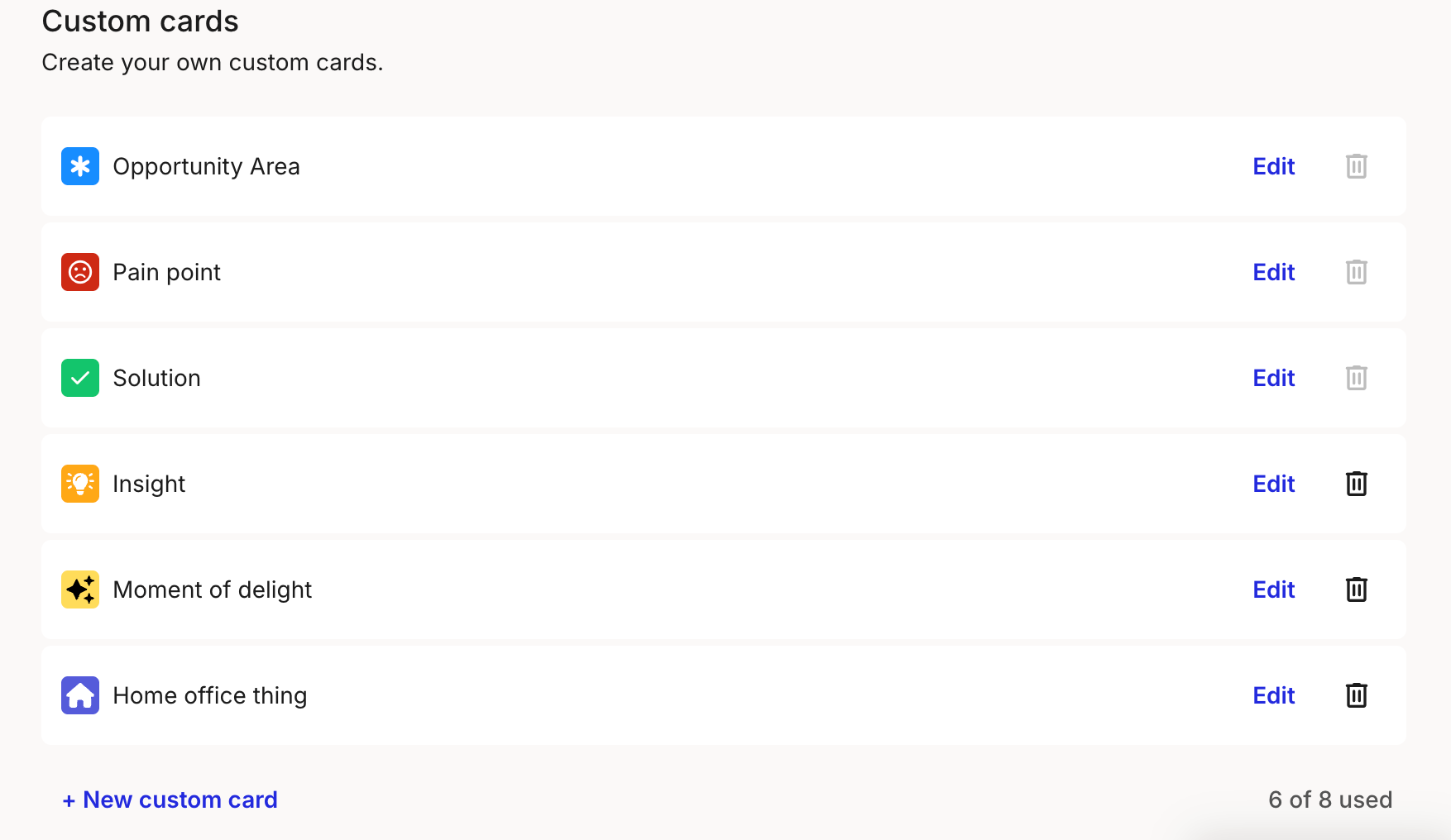
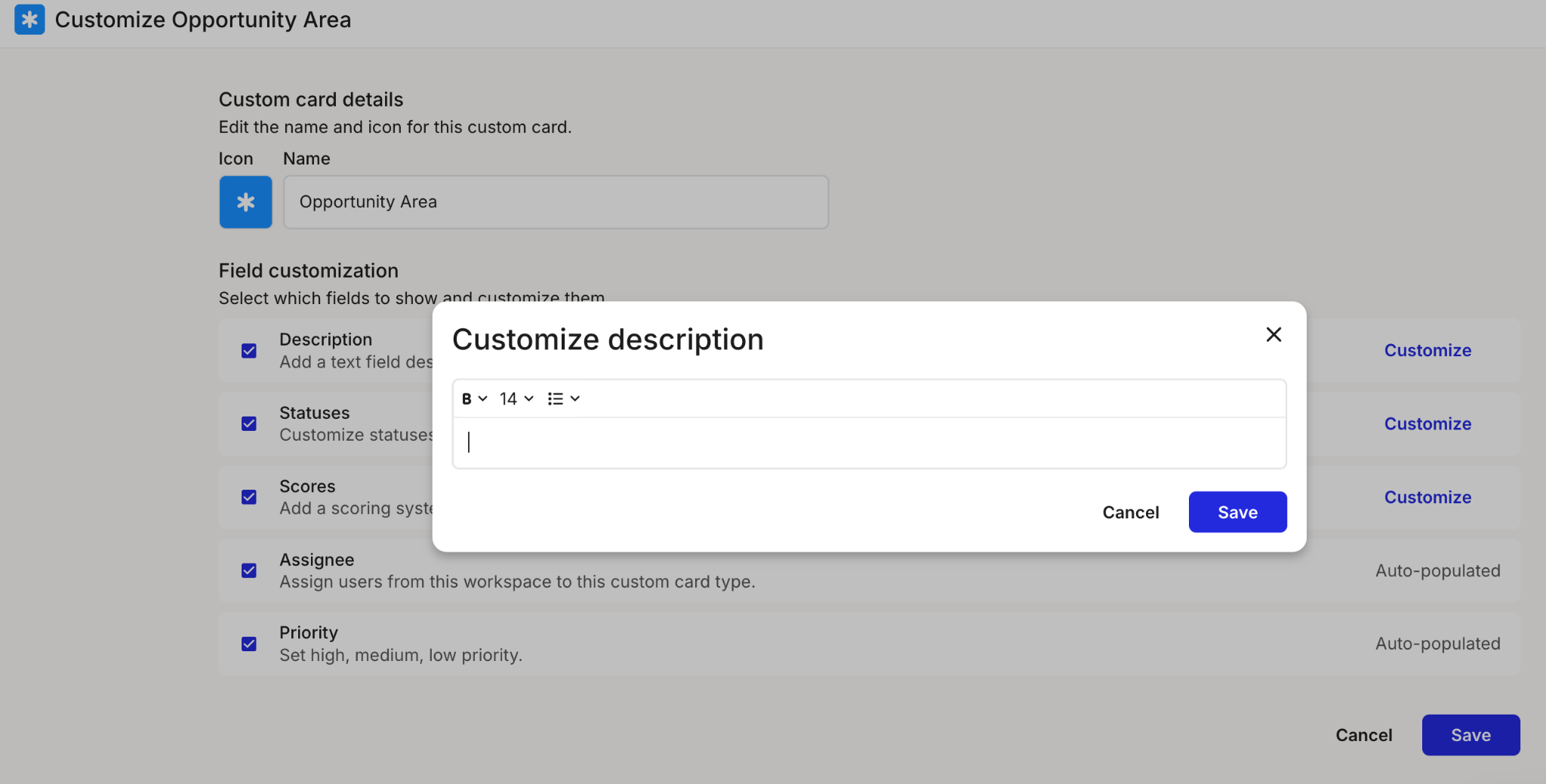
Go beyond pain points, opportunities, and solutions by creating your own [custom card types](/portfolio/how-to-create-custom-portfolio-item-types.md) and linking them in your portfolio, so your framework fits how your team actually works. *(Governance plan)*
### Portfolio summary
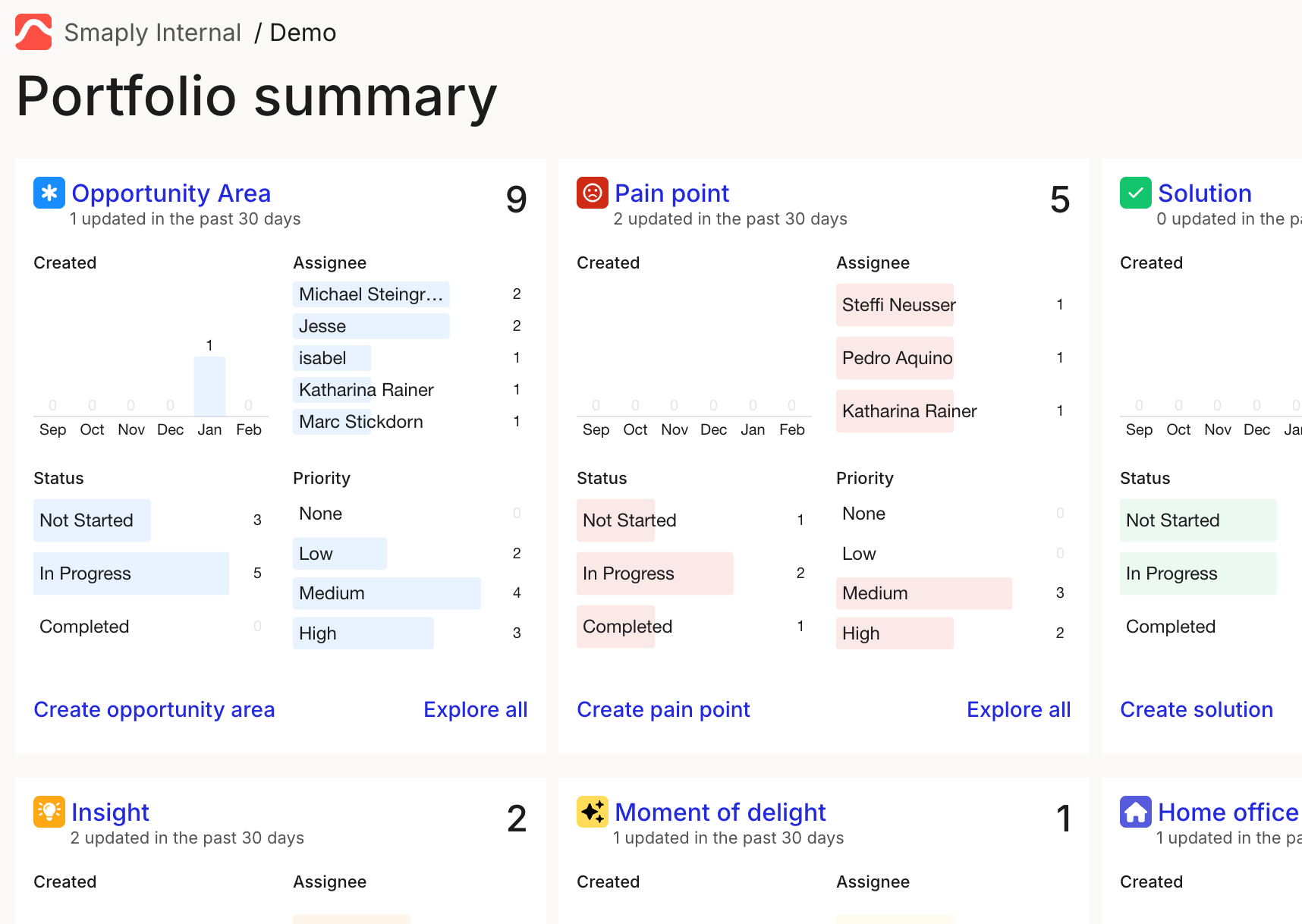
See your whole portfolio at a glance with the [portfolio summary](/portfolio/how-to-use-the-portfolio-summary.md), then drill into the details, so you can see where things stand without opening every item.
### User and seat management
See total and occupied seats plus a seat allocation summary, so you can [check your seat usage](/account-and-team/billing-and-plans/how-to-check-seat-usage.md) before you invite more people.
### Improvements
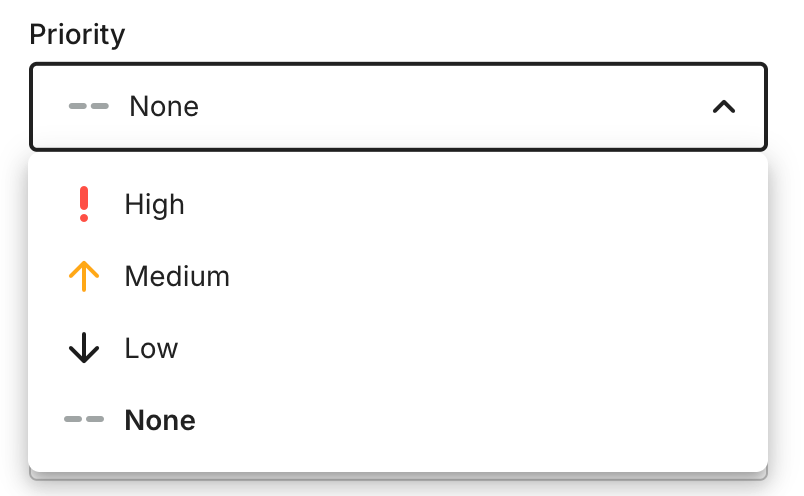
1. **"No priority" option** for portfolio items, now the default, so items are not forced into a priority before you have decided.
2. **New demo assets on onboarding:** new accounts and workspaces now come with demo assets, so there is something to explore from the first login.
3. **More metric chart display options.**
{% endupdate %}
{% update date="2025-12-01" tags="improvement" %}
## Faster loading
Especially for large journey maps and portfolios.
### Improvements
1. **Quicker way back to your workspace:** the workspace name now shows in a tooltip from inside a journey map, so you always know where you are.
2. **Partial data in series metrics:** uploaded data can now include empty cells, so you no longer have to fill every gap before a metric will work.
{% endupdate %}
{% update date="2025-11-01" tags="new-feature,improvement" %}
## AI journey map creation on the Free plan
Build a first-draft journey map from a prompt without upgrading: [AI map creation](/account-and-team/how-to-configure-ai-features.md) is now on the Free plan, with three uses per person each month.
### Portfolio table configuration
Show or hide columns in the [portfolio table](/portfolio/prioritization/how-to-use-the-portfolio-table.md) so you see only the data you care about and keep large tables readable.
### Bulk actions for personas
Apply changes to several [personas](/personas/how-to-manage-personas.md) at once instead of editing them one by one, so tidying up your persona library is much quicker.
### Copy and paste grid lanes
Move entire grid lanes between maps to [reuse your work](/journey-maps/lanes/how-to-copy-lanes-across-journey-maps.md) and iterate faster, rather than rebuilding the same lane from scratch.
### Improvements
1. **Faster loading,** especially for large journey maps and portfolios.
{% endupdate %}
{% update date="2025-10-01" tags="new-feature,improvement" %}
## Account Library
Manage and reuse your key content, including journey maps, personas, opportunities, pain points, solutions, and metrics, across every workspace in your account, so teams build on shared assets instead of starting over. See [how to use the Account Library](/account-and-team/how-to-use-the-account-library.md).
### Import your Classic maps
Bring your existing maps into Smaply automatically with the [import tool](/migration/migration.md), so you can pick up where you left off without rebuilding them by hand.
### Customizable portfolio items
Tailor how opportunities, pain points, and solutions look and behave to match how your team works, with [custom portfolio item types](/portfolio/how-to-create-custom-portfolio-item-types.md).
### Copy and paste lanes between maps
Reuse a lane you have already built by [copying it from one map to another](/journey-maps/lanes/how-to-copy-lanes-across-journey-maps.md), so you spend less time recreating structure.
### Improvements
1. **Demo content for new accounts:** new accounts now start with demo personas, portfolio items, and metrics, so there is something to explore from the first login.
2. **Portfolio summaries in PDF export:** you can now add portfolio item summaries from the journey map [export modal](/sharing-and-exporting/how-to-export-a-journey-map-as-pdf.md).
3. **Better portfolio tracking:** an updated-date filter and a "Last updated" column in [portfolio tables](/portfolio/prioritization/how-to-use-the-portfolio-table.md) make recent changes easy to spot, with a performance boost and PDF downloads for library portfolio items.
{% endupdate %}
{% update date="2025-09-01" tags="new-feature,improvement" %}
## AI support for journey maps
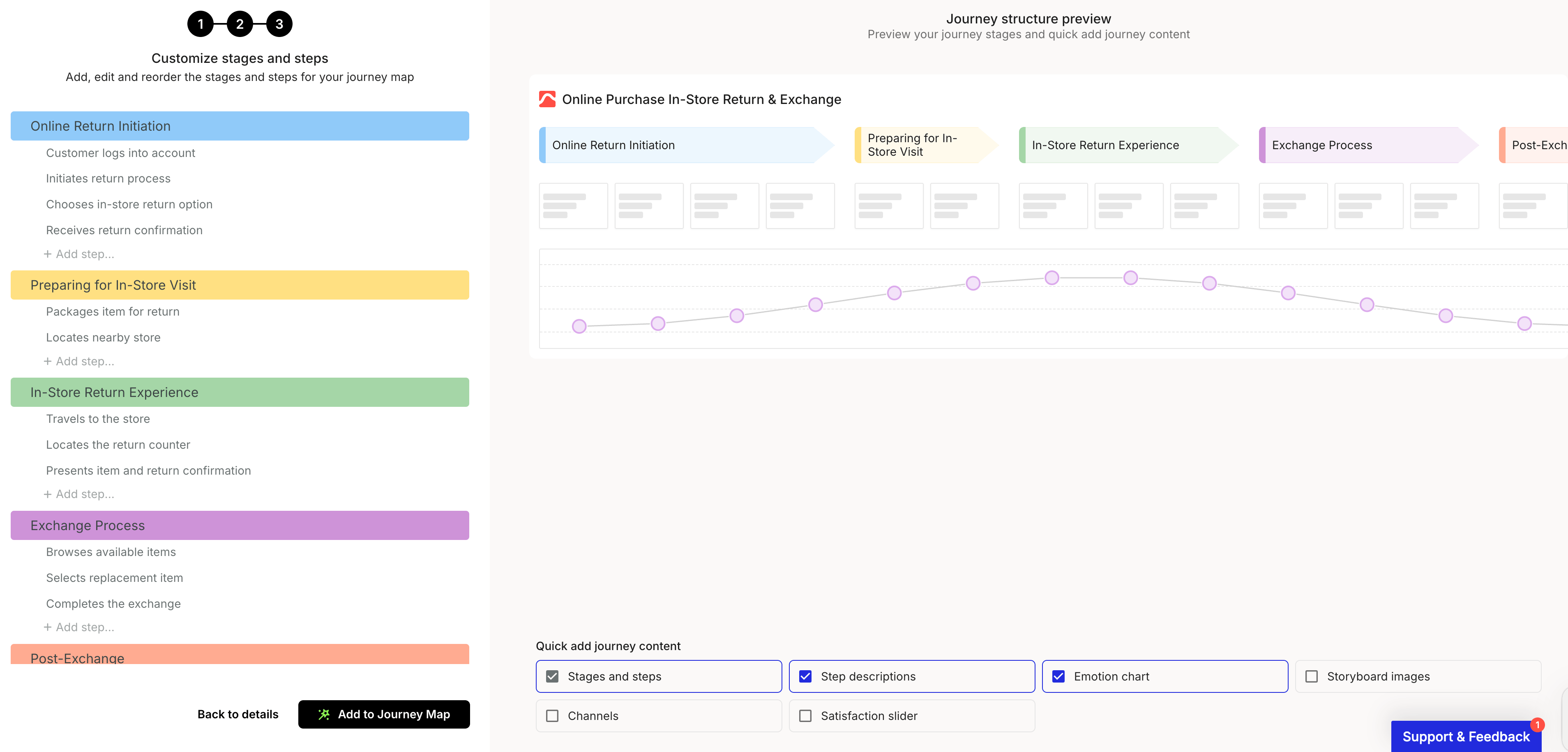
Turn a short prompt into a first-draft journey map and skip the blank canvas, so you can start from something concrete and refine from there. See [creating a journey map with AI](/account-and-team/how-to-configure-ai-features.md).
### Lane duplication
Duplicate a lane in a single step to [build maps faster](/journey-maps/lanes/how-to-add-and-manage-lanes.md), instead of recreating its setup by hand.
### Collapsible journey info panel
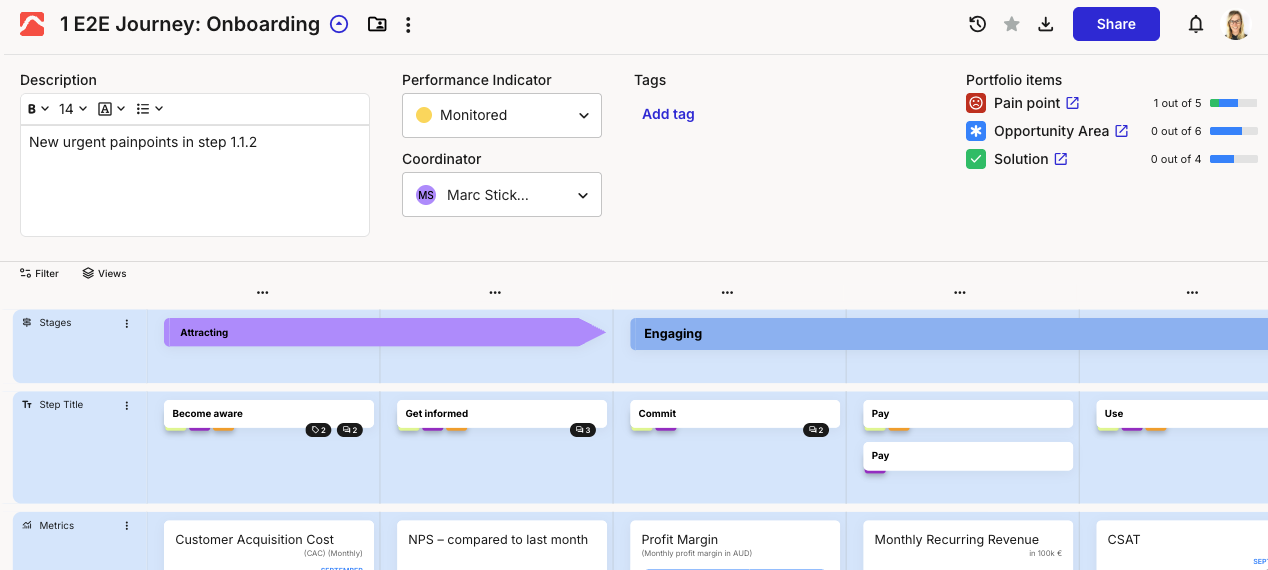
A restyled journey info panel lets you collapse it for more canvas room and take actions like cloning, archiving, sharing, and exporting right from inside the map, so you stay in your flow.
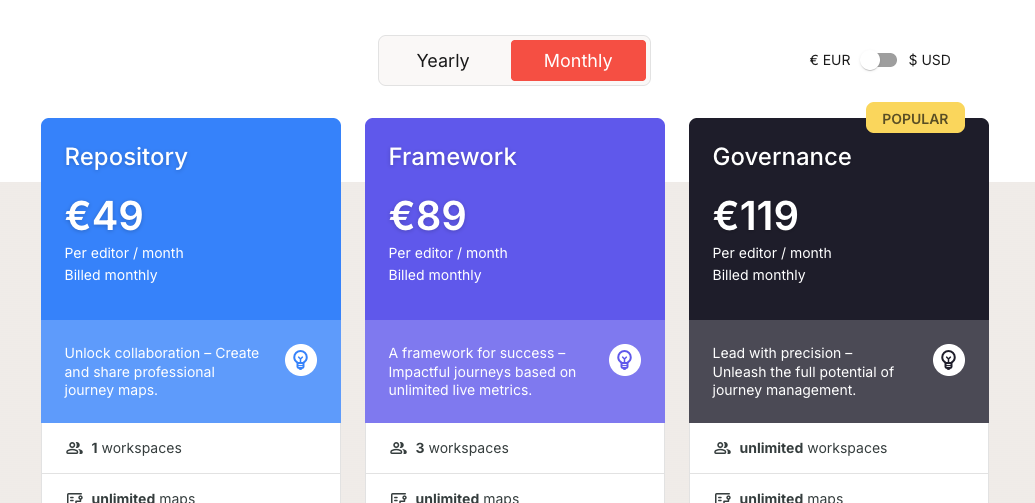
### Monthly subscriptions and a free trial
You can now choose a [monthly plan](/account-and-team/billing-and-plans/how-to-upgrade-or-downgrade.md), and new sign-ups get a free 14-day trial, so it is easier to start and to pick the billing that suits you.
### Improvements
1. **Color for more card types:** icon, image, and slider cards now support color, for clearer, more consistent visuals.
2. **Cleaner pasting:** pasting into the text editor now clears formatting, so unwanted or unsafe content does not come along with it.
3. **New loading experience** in the journey map.
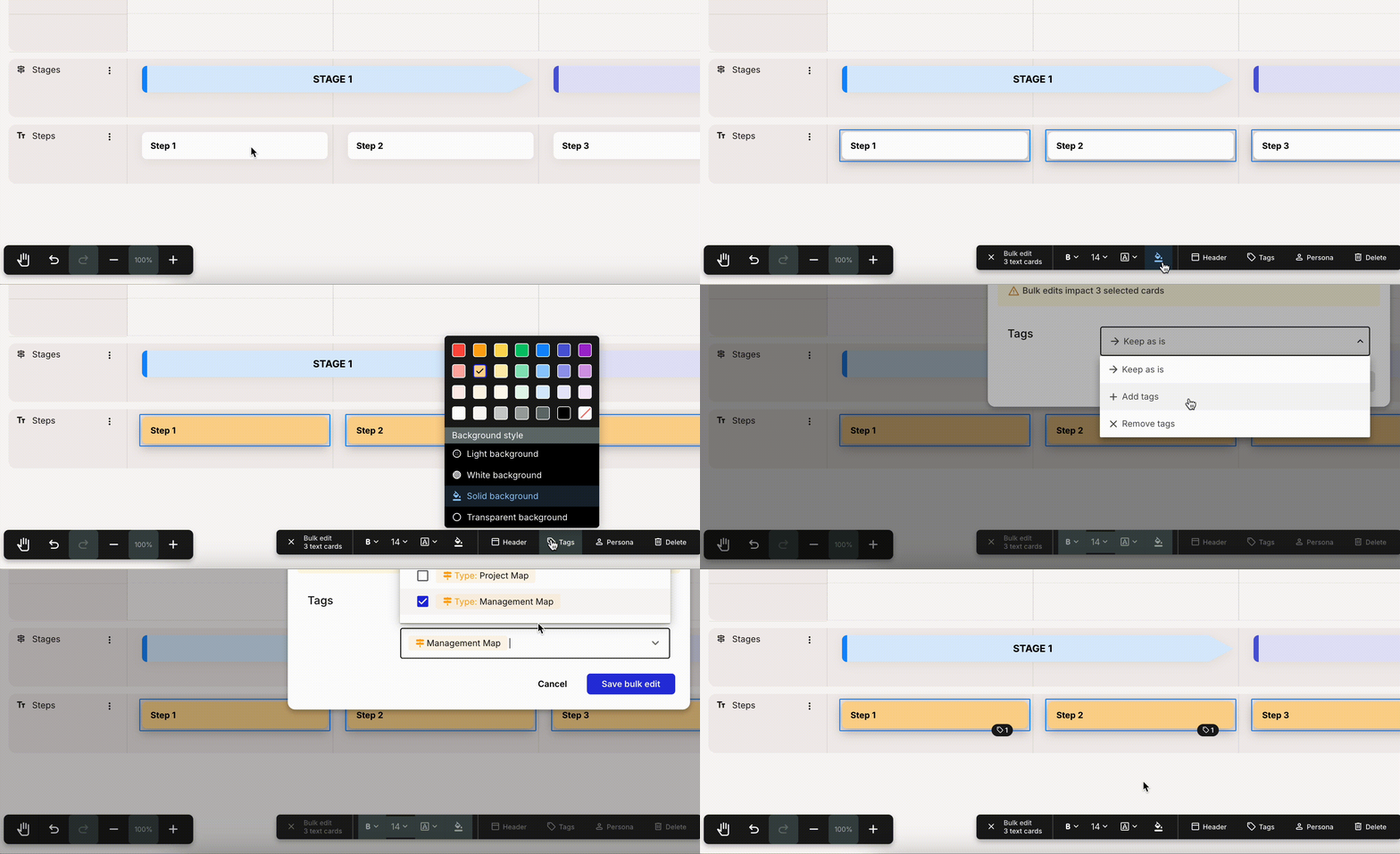
4. **More bulk actions** for portfolio, image, slider, and icon cards, so you can edit them several at a time. See [bulk editing cards](/journey-maps/how-to-bulk-edit-cards.md).
{% endupdate %}
{% update date="2025-08-01" tags="new-feature,improvement" %}
## Bulk actions for cards
Edit many cards in one go by selecting a whole lane, a whole column, or hand-picking with Shift+click, so large maps are much faster to update. See [how to bulk edit cards](/journey-maps/how-to-bulk-edit-cards.md).
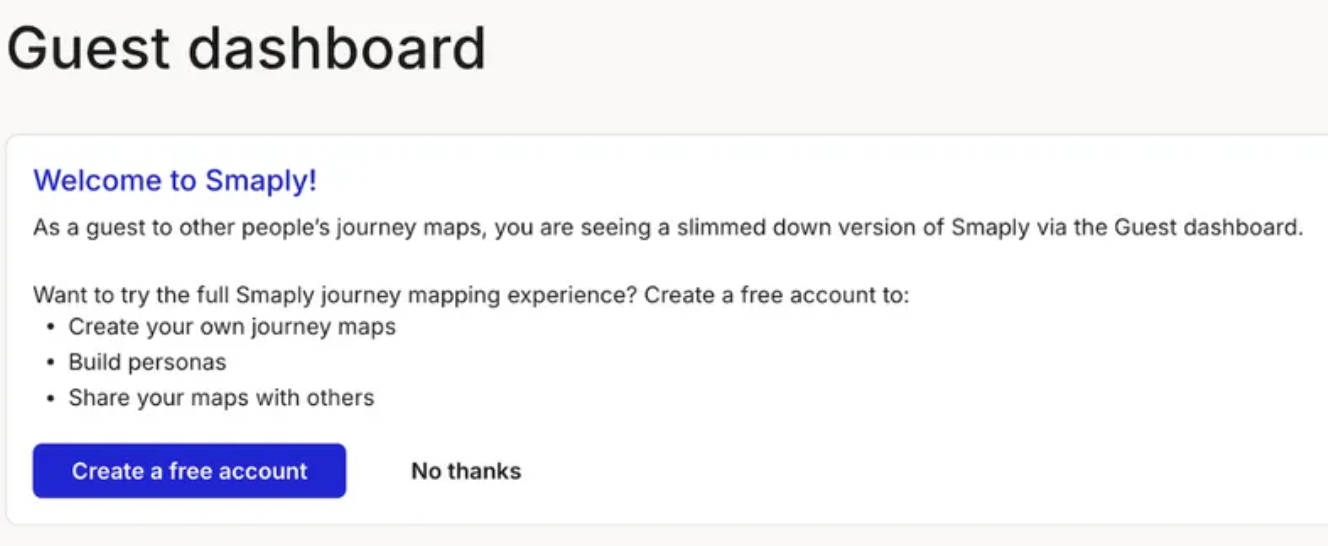
### Guest dashboard
If you are not yet a member of any account, you now land on a dedicated guest dashboard for a clearer first experience, with no account created for you automatically.
### Full-screen portfolio editing
Edit a portfolio item in a full-screen view that gives you much more room to write descriptions of your opportunities, pain points, and solutions. See [creating a portfolio item](/portfolio/how-to-create-a-portfolio-item.md).
### Improvements
1. **Easier card headers:** turn a card header on straight from the toolbar menu, with more consistent header styling across cards.
{% endupdate %}
{% update date="2025-07-01" tags="new-feature,improvement" %}
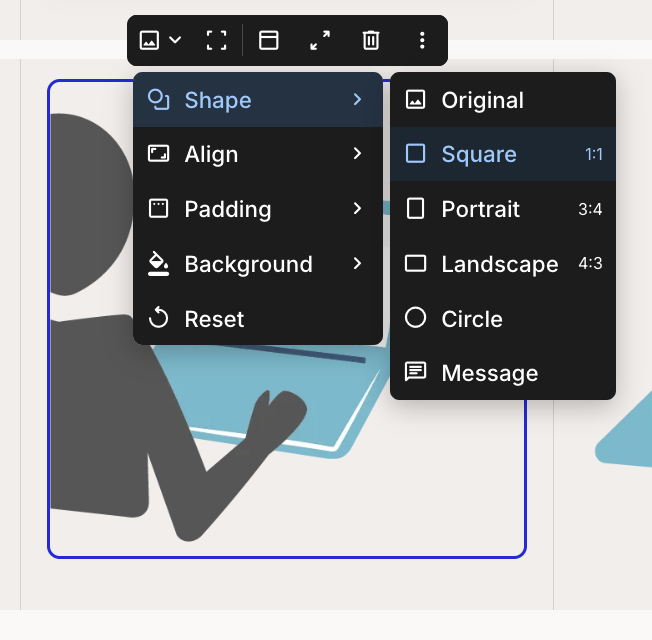
## Image card shapes
Change the shape and aspect ratio of an [image card](/journey-maps/cards/how-to-use-image-cards.md) so visuals fit your layout the way you want.
### Monday.com planning integration
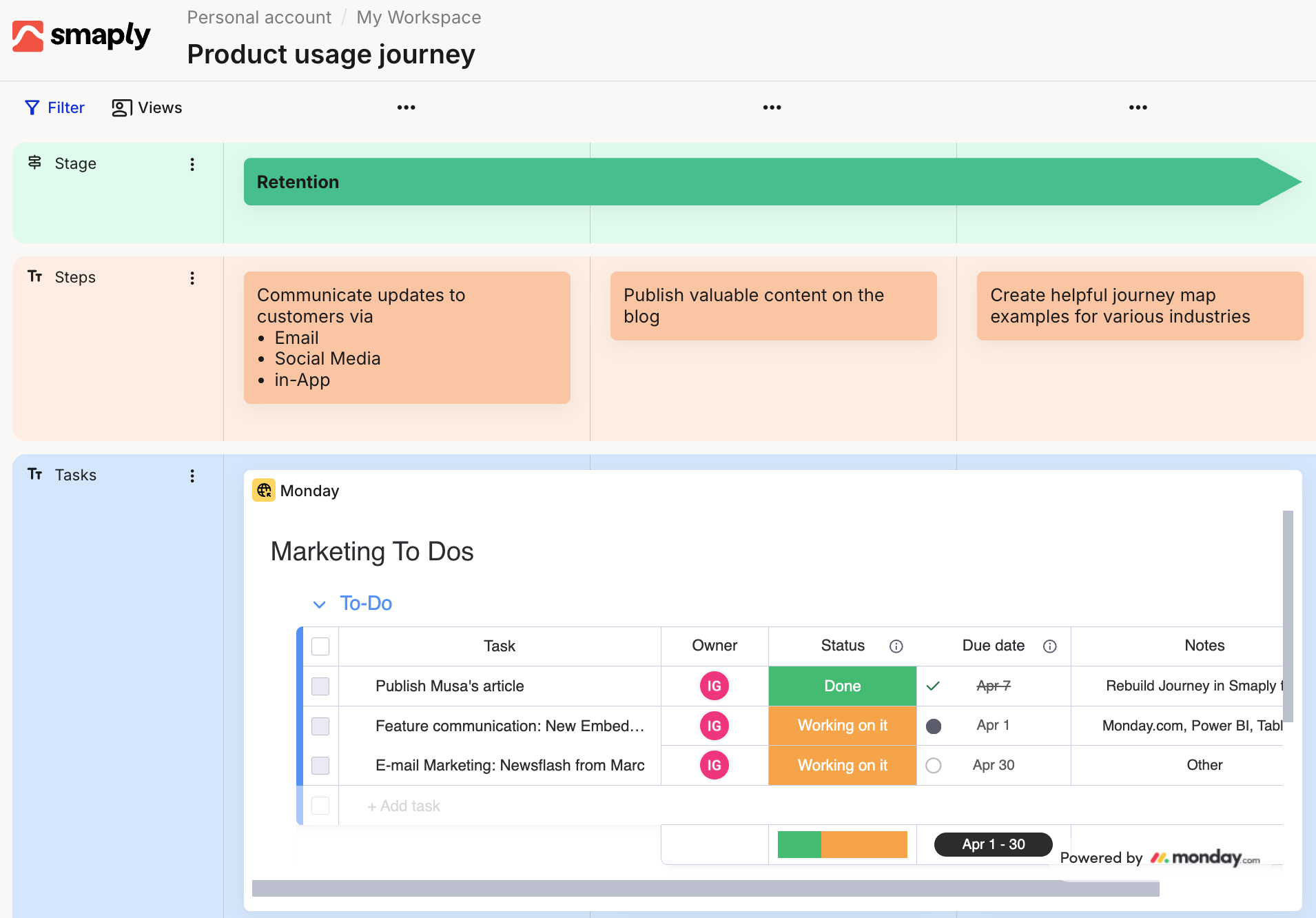
Connect Smaply to [Monday.com](/integrations/planning-tools/how-to-set-up-the-monday.com-integration.md) to bring project planning and task management into your journey maps.
### Card color options
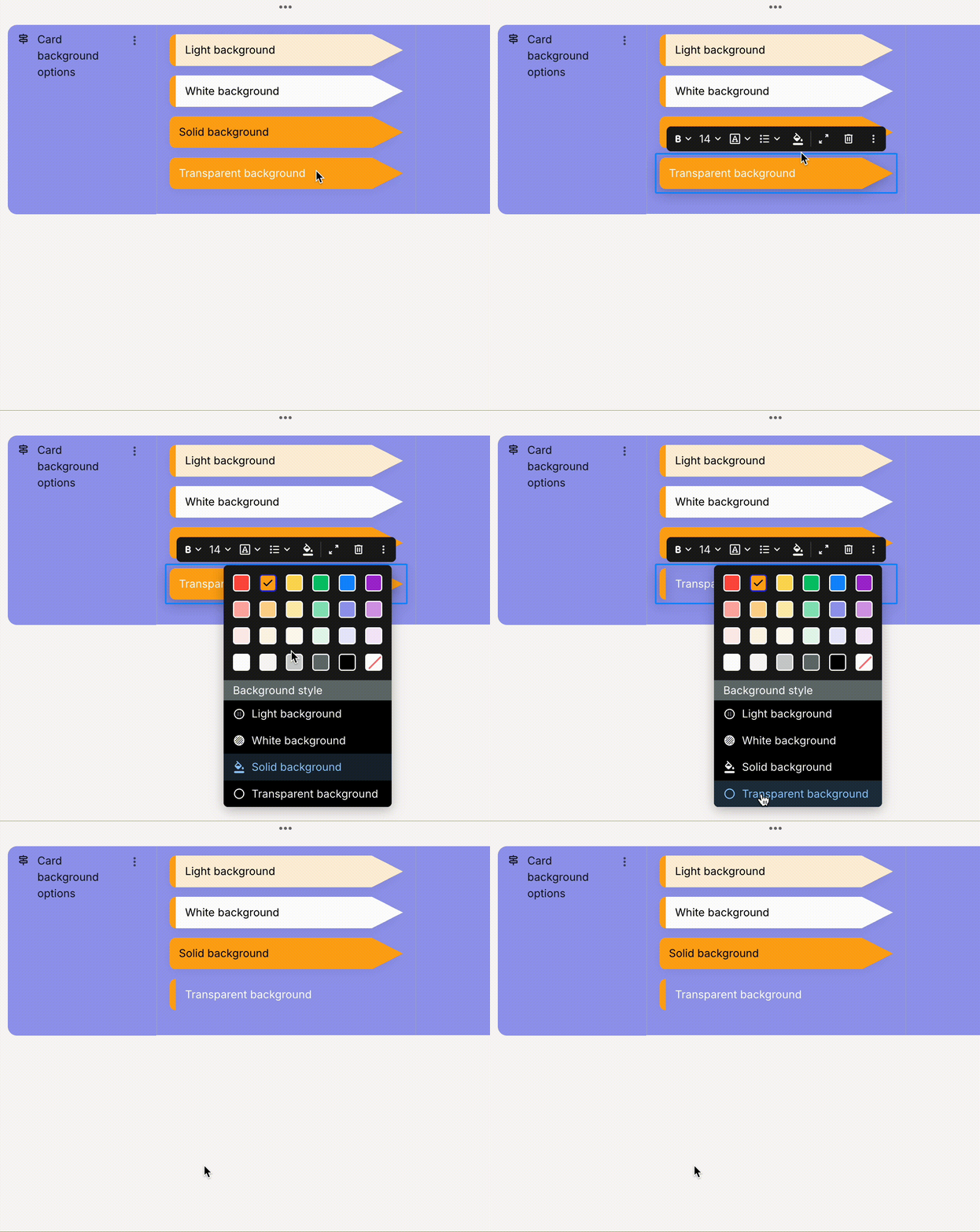
Give cards a background style, including white, light, solid, and transparent, for more flexibility in how your maps look. See [adding and editing cards](/journey-maps/cards/how-to-add-and-edit-cards.md).
### Improvements
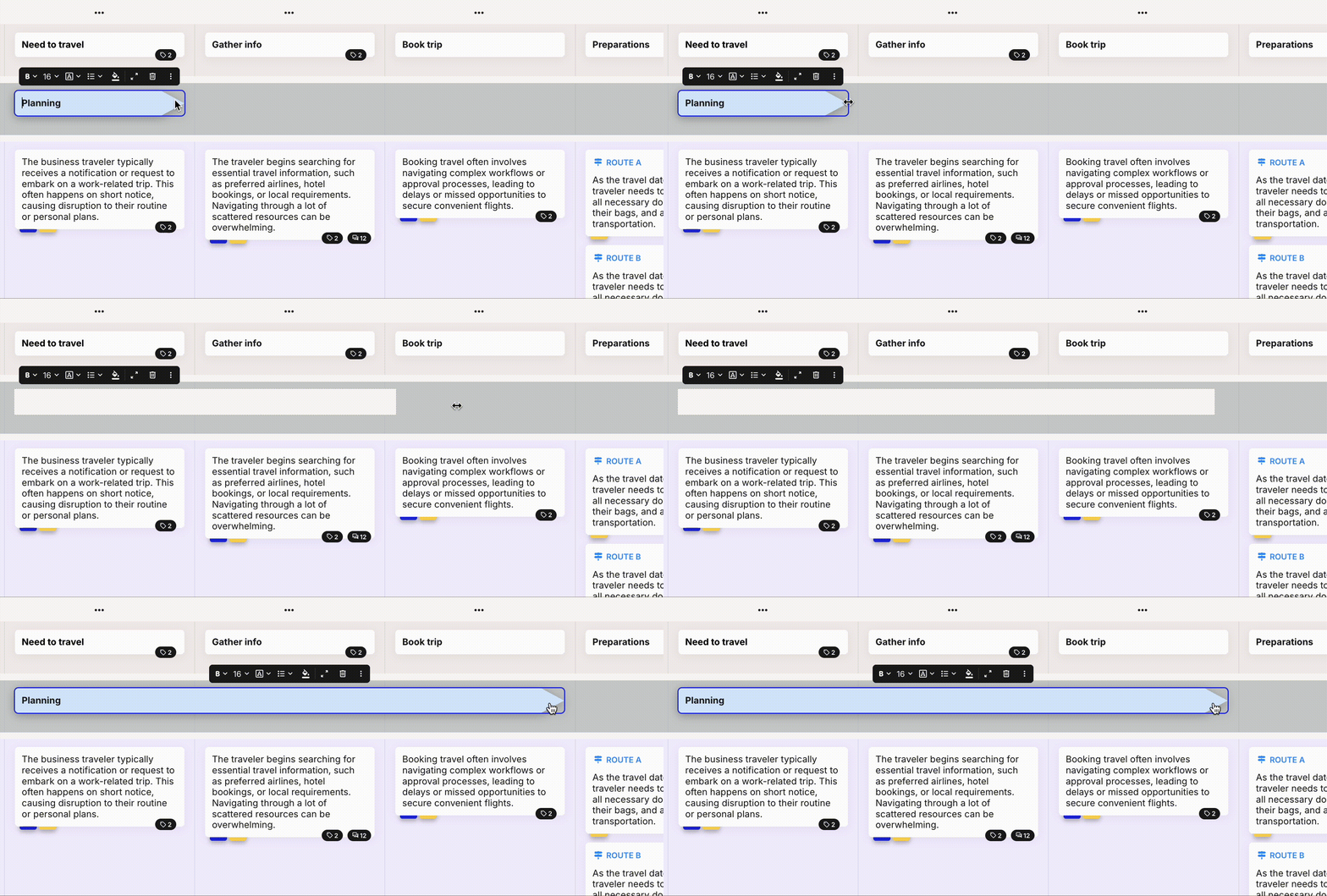
1. **Drag card edges to span cards** across the journey map, so a card can stretch over several columns.
2. **New card toolbars:** a single universal toolbar makes editing text, stage, and image cards simpler.
3. **Smoother invitations:** invitation links no longer expire after 30 days, pending invitations are accepted automatically when you open a direct link, a banner flags outstanding invitations, and "Shared with me" and "Membership" are now one redesigned page.
{% endupdate %}
{% update date="2025-06-01" tags="new-feature,improvement" %}
## Custom portfolio statuses and icons
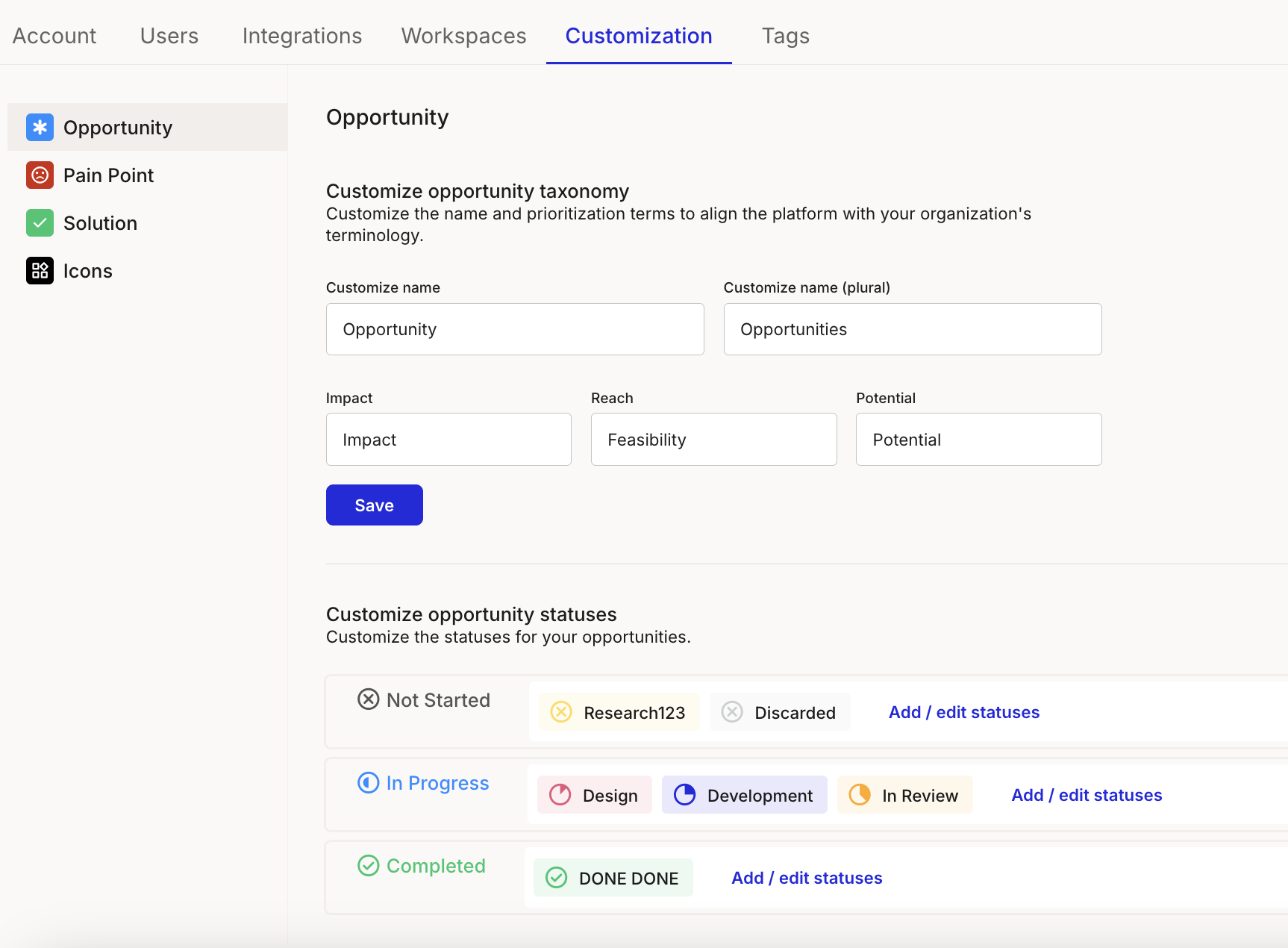
Define your own portfolio statuses and icons in [account settings](/account-and-team/customization.md) so your portfolio reflects your team's workflow. *(Paid plans)*
### Linked portfolio items
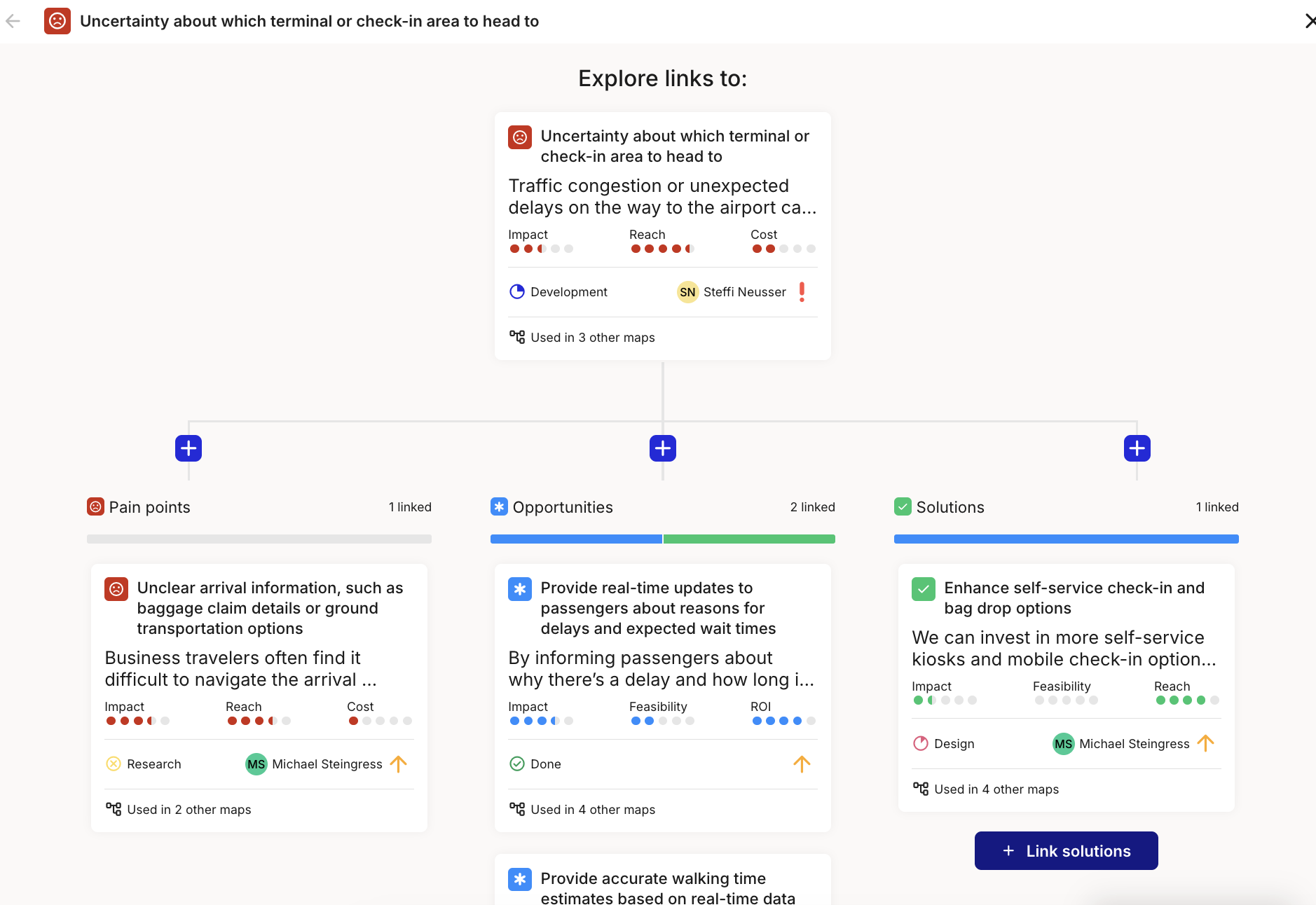
Connect pain points, opportunities, and solutions to each other with [linked items](/portfolio/how-to-link-portfolio-items.md), turning a flat list into a meaningful network of insights and actions.
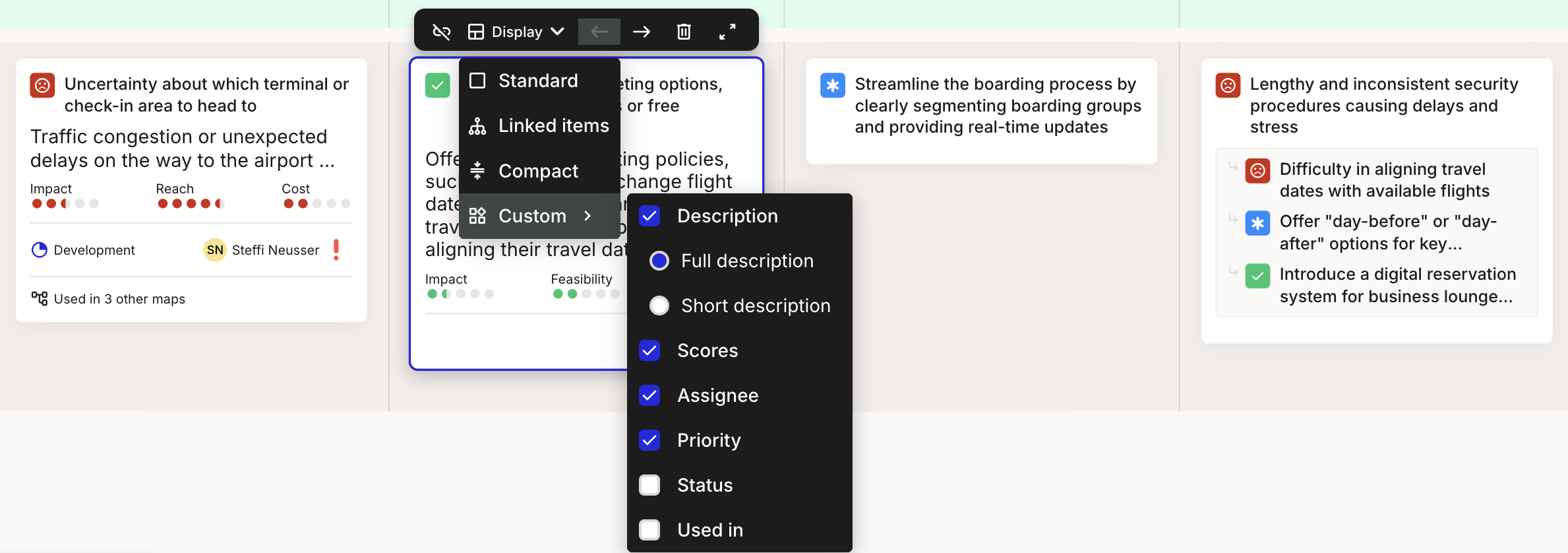
### Display options for portfolio cards
Choose how opportunity, pain point, and solution [cards](/journey-maps/cards/how-to-use-portfolio-item-cards.md) appear in a journey map, so each map shows the right level of detail.
### Improvements
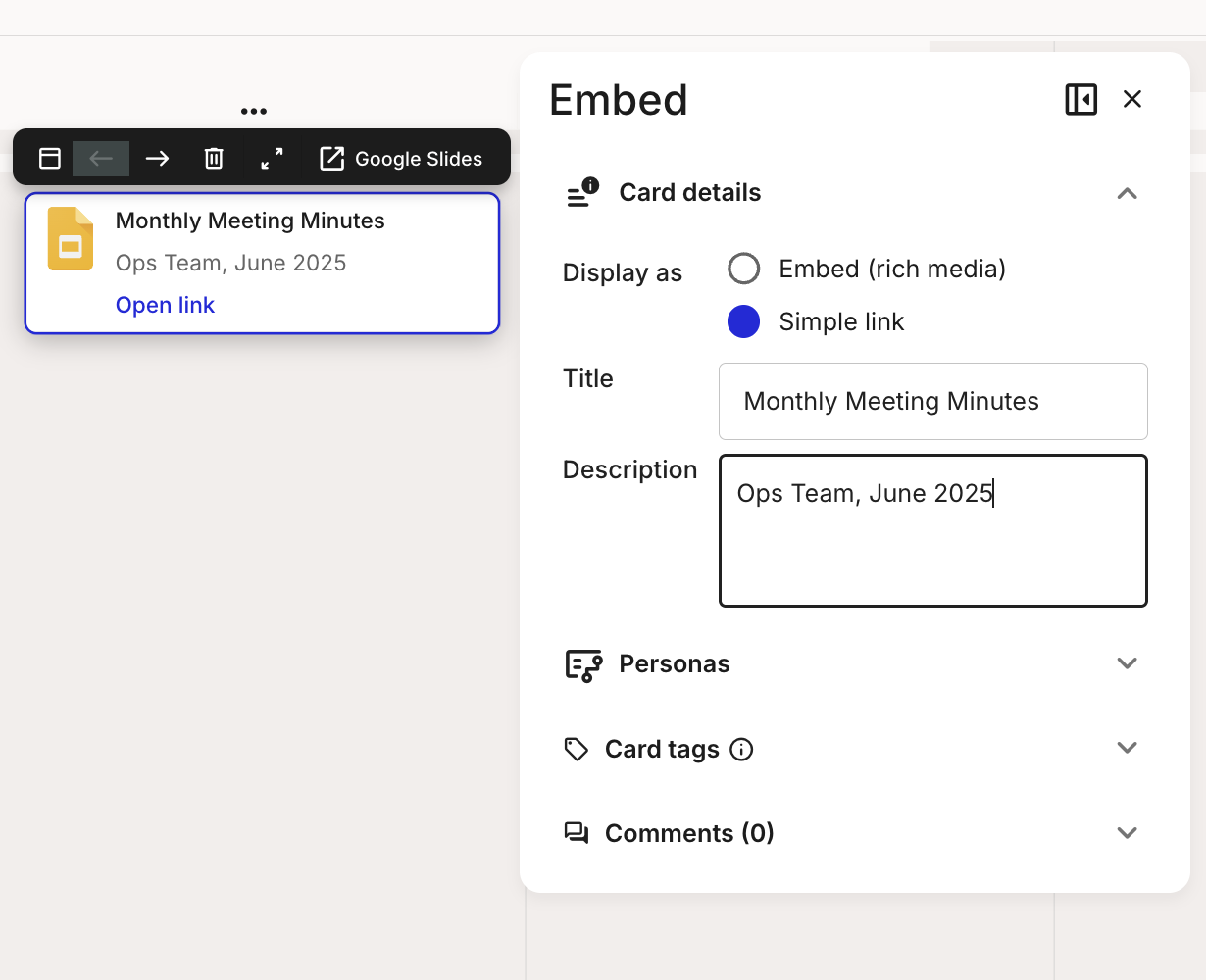
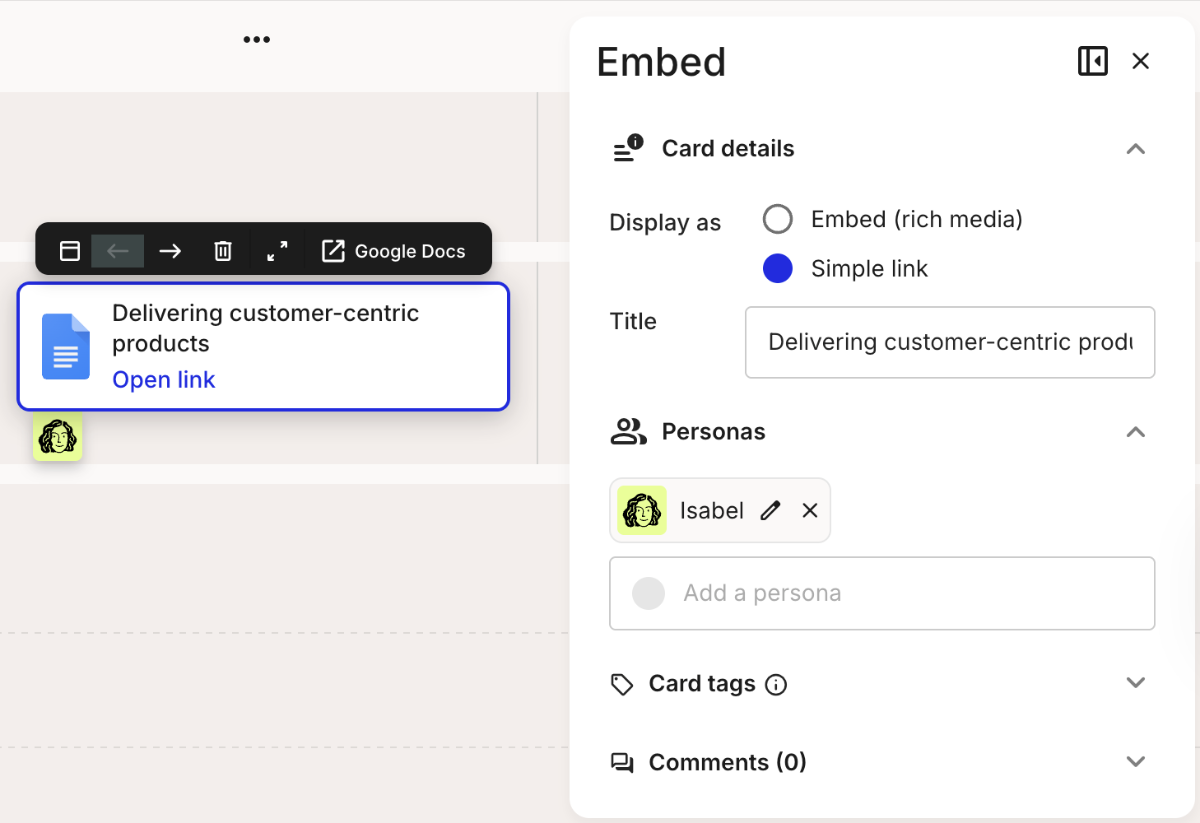
1. **Descriptions in link-view embed cards:** add context right where it matters by writing a description in the link-only [embed card](/journey-maps/cards/how-to-use-embed-cards.md) view.
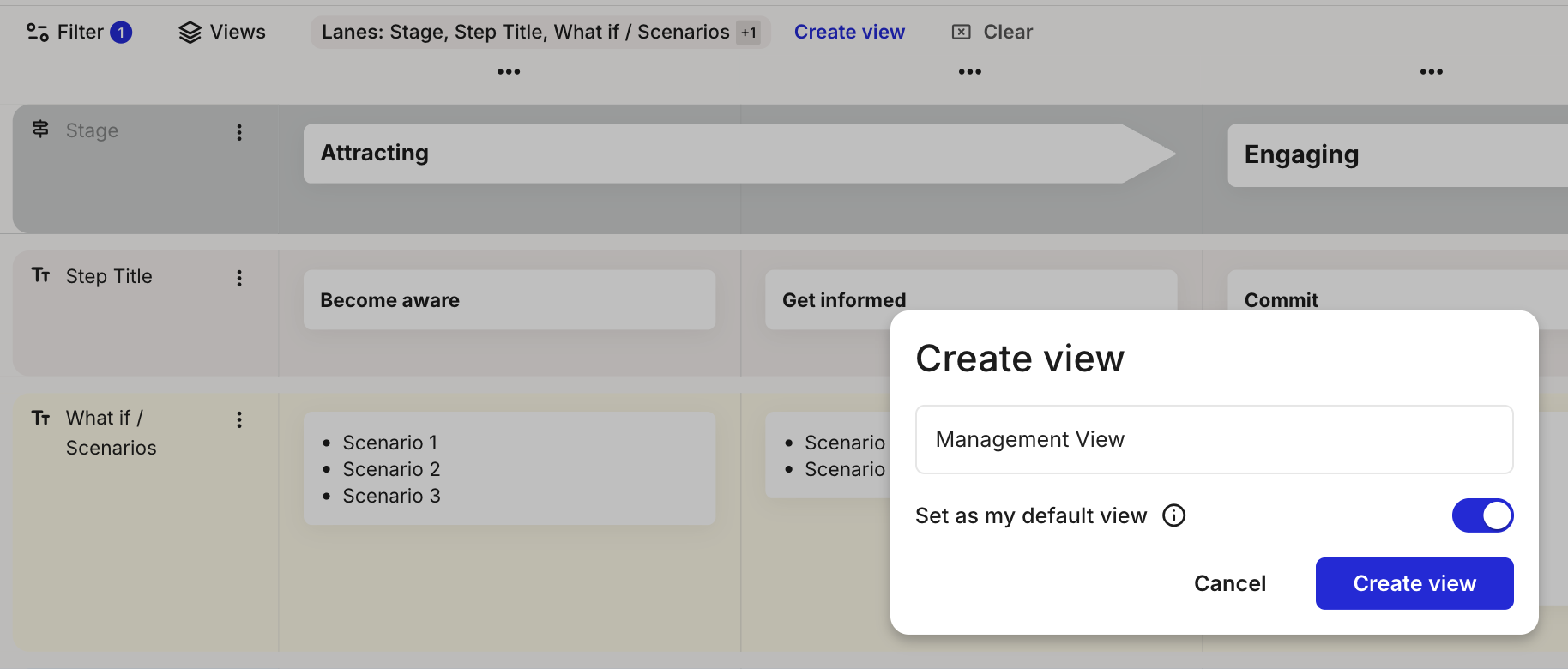
2. **Filters and saved views in the journey editor:** the editor now matches the dashboard filter style and lets you [save your default view](/journey-maps/filtering-and-views/how-to-save-and-apply-a-view.md).
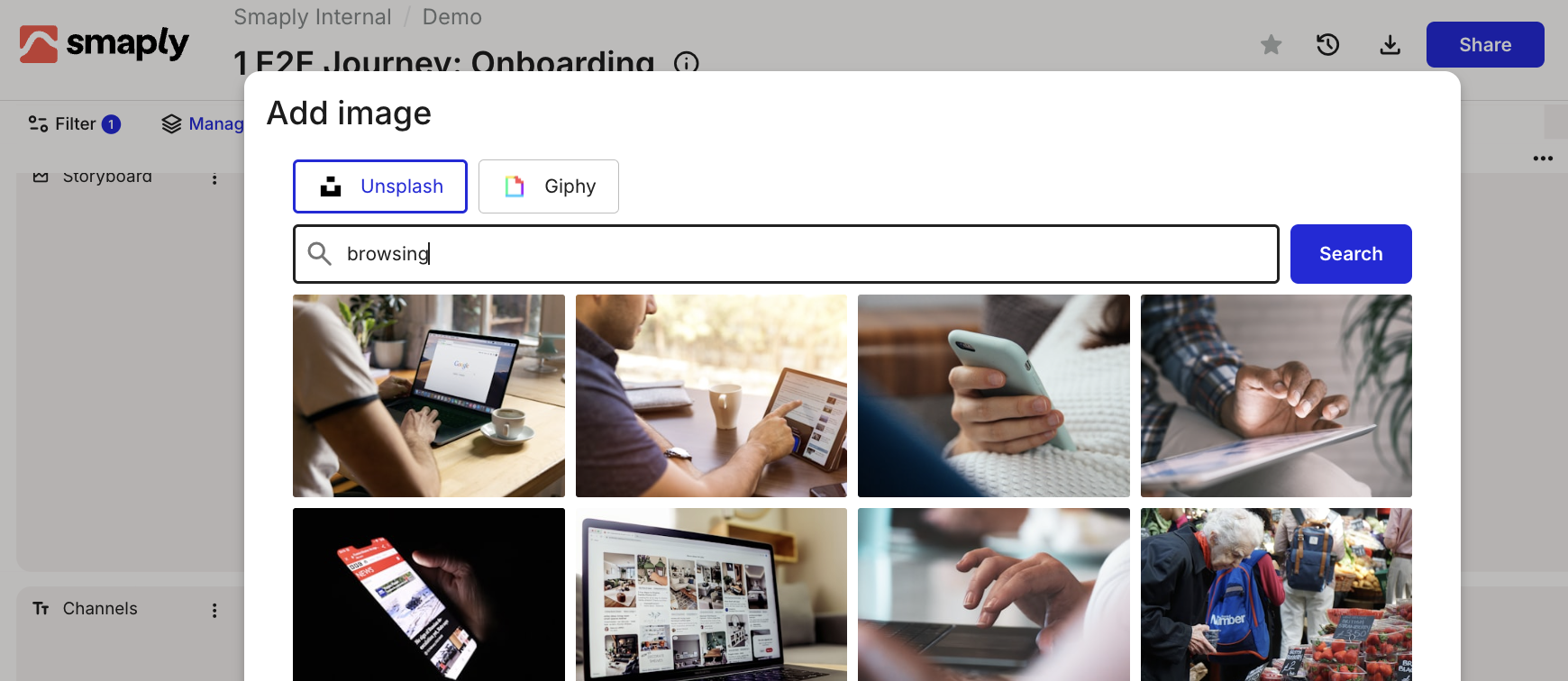
3. **More ways to add images:** upload, drag and drop, or pick from Giphy and Unsplash to enrich your [image cards](/journey-maps/cards/how-to-use-image-cards.md).
{% endupdate %}
{% update date="2025-05-01" tags="new-feature,improvement" %}
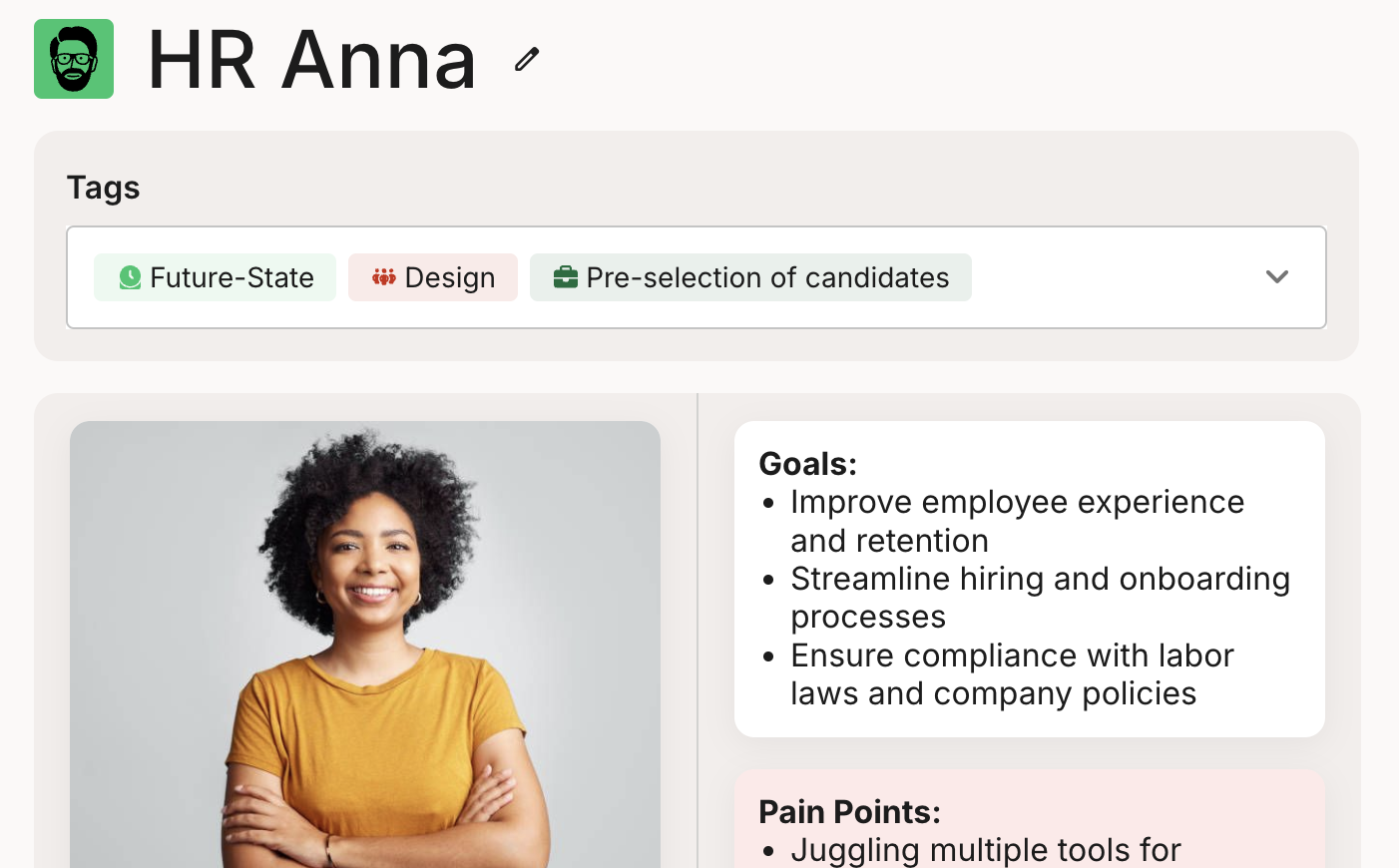
## Reimagined personas
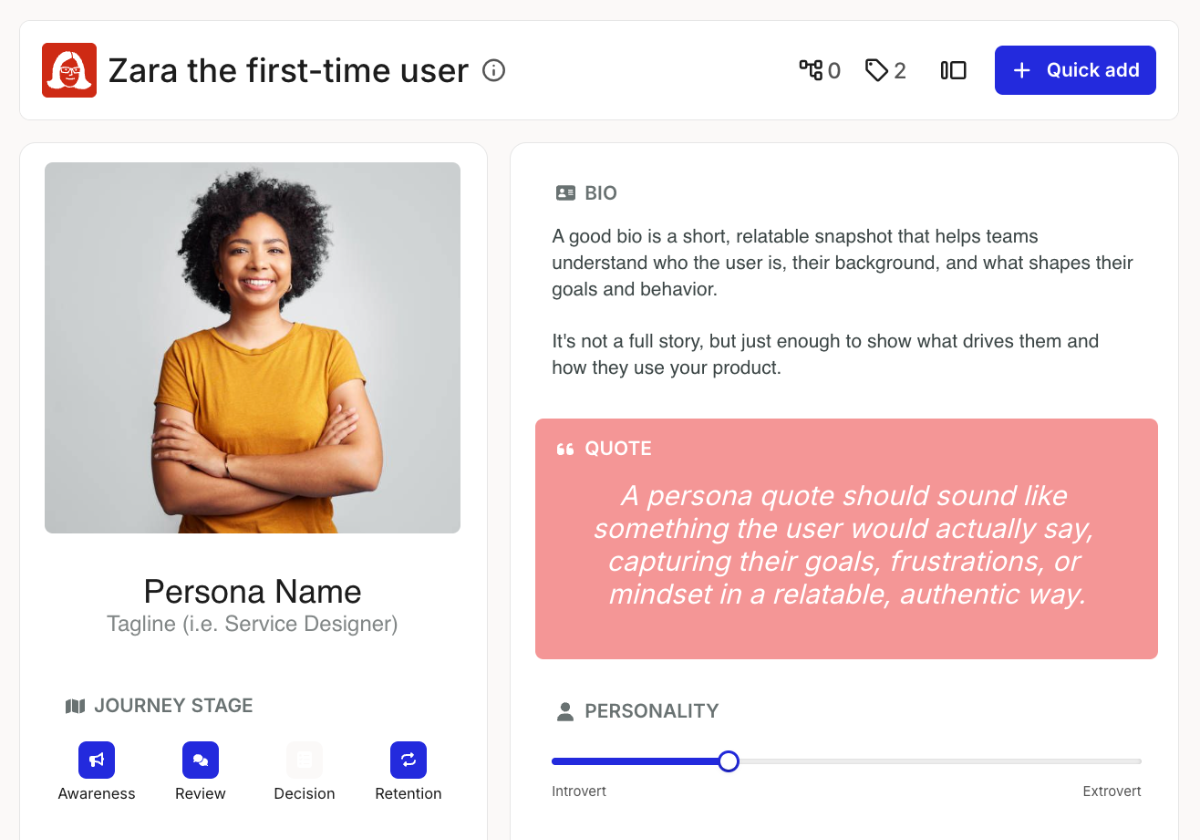
A refreshed look and new building blocks make your [personas](/personas/personas.md) more flexible, so you can capture exactly the detail you need.
### Smart portfolio create
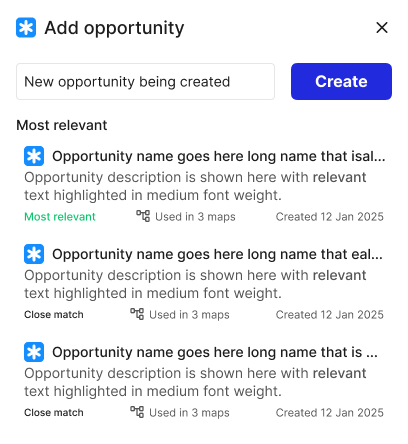
When you add an opportunity, pain point, or solution, you can now search for an existing [portfolio item](/portfolio/how-to-create-a-portfolio-item.md) or create a new one on the spot, so you avoid duplicates and work faster.
### Improvements
1. **More bulk actions:** select and manage several templates or archived journeys at once.
2. **Video in embed cards:** [embed videos](/journey-maps/cards/how-to-use-embed-cards.md) from multiple sources.
3. **Better view-only mode** for journeys and templates, with improved viewer-role permissions.
4. **Portfolio CSV export now respects filters,** so you [export](/portfolio/how-to-export-portfolio-to-csv.md) exactly the items you are looking at.
{% endupdate %}
{% update date="2025-04-01" tags="new-feature,improvement" %}
## Self-service upgrades
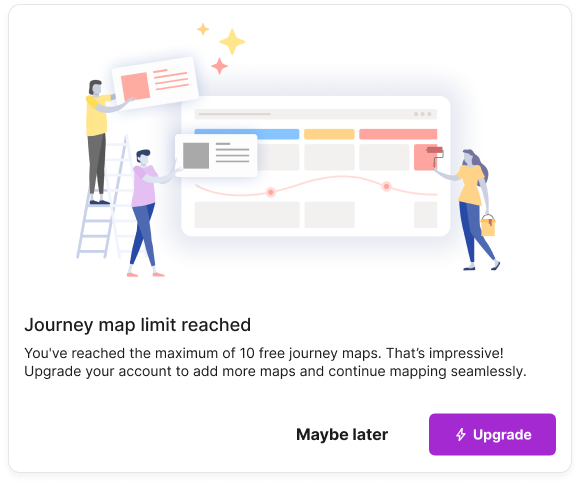
Move from a free trial to a paid plan right in the app, with no need to contact support, so you can [upgrade](/account-and-team/billing-and-plans/how-to-upgrade-or-downgrade.md) the moment you are ready.
### Link view for embed cards
A new link view for the [embed card](/journey-maps/cards/how-to-use-embed-cards.md) makes external content easier to display and open.
### Card headers
Give each [card](/journey-maps/cards/how-to-add-and-edit-cards.md) a clear, meaningful title with the new card header.
### Improvements
1. **See your highest plan** right in your personal account settings.
2. **Sign-in lands on your first account** instead of your favorites, for a more predictable start.
3. **Clearer pricing page:** it now shows the Free plan if you are on it, so it is easier to compare and decide whether to upgrade.
{% endupdate %}
{% update date="2025-03-01" tags="new-feature,improvement" %}
## New dashboard sidebar
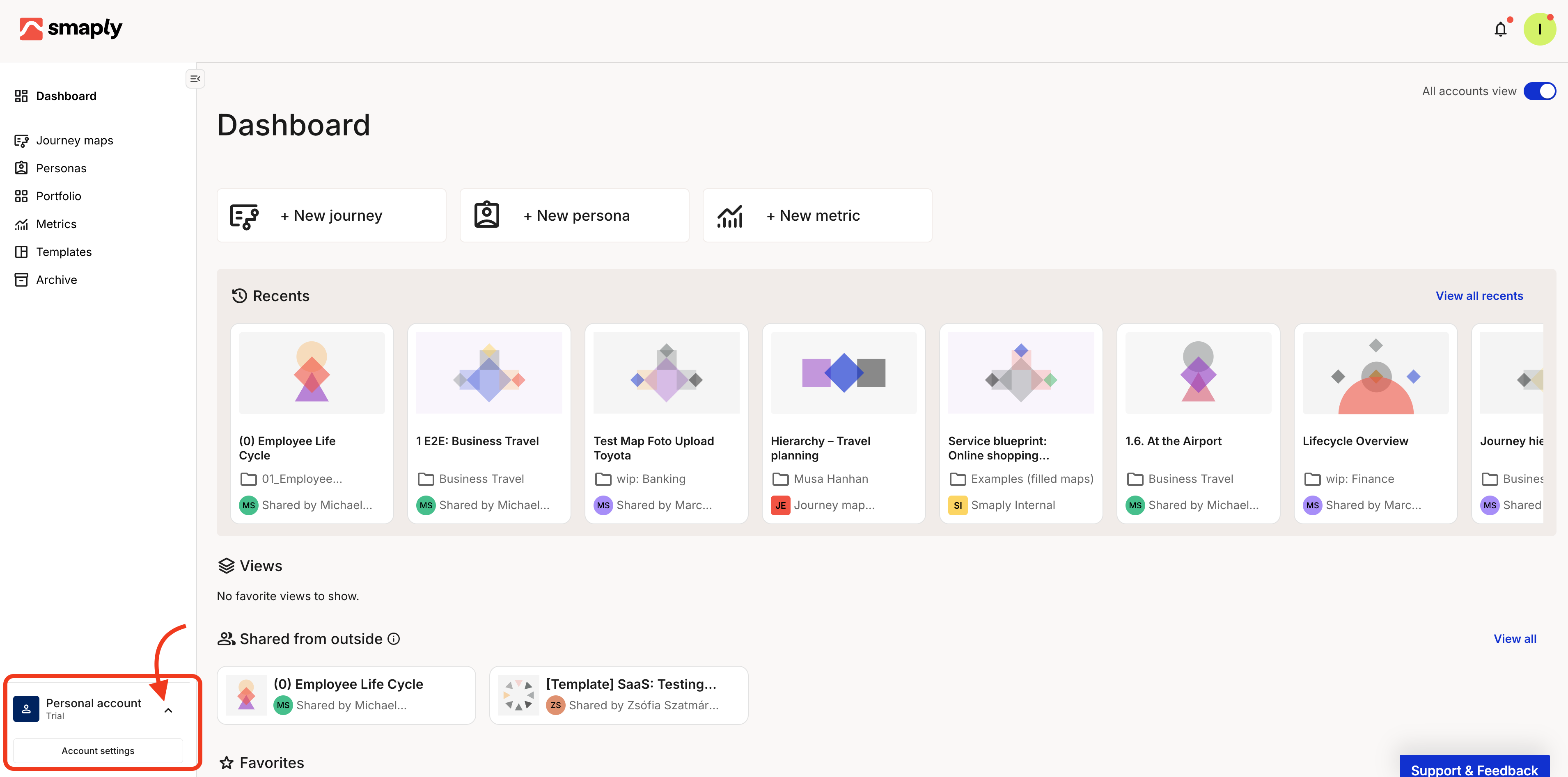
A redesigned sidebar makes [navigating Smaply](/getting-started-with-smaply.md) easier, and you can switch between accounts from the menu using the arrow in the lower-left corner of the screen.
### Notification improvements
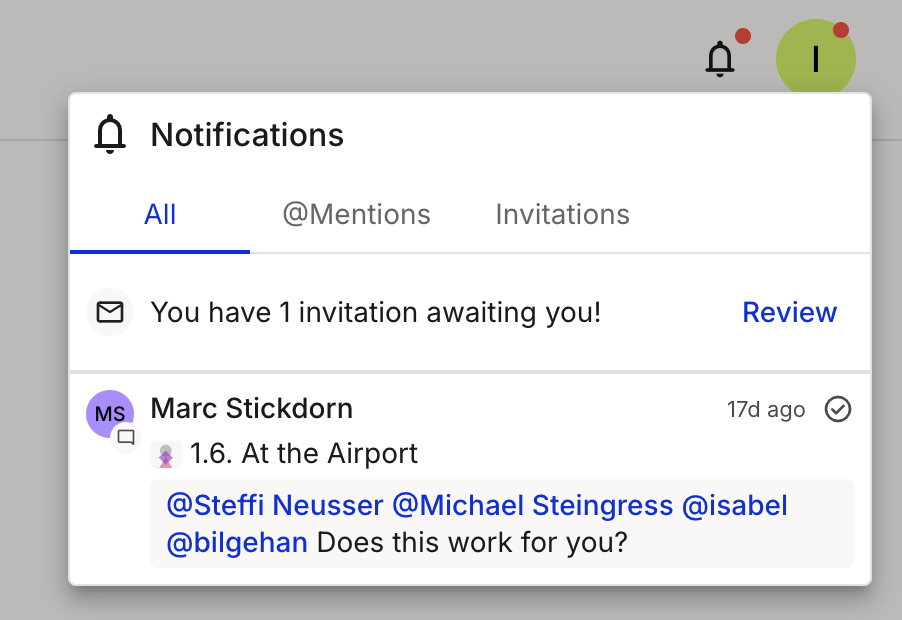
See where you were mentioned, invited, or asked for help, all in [one place](/account-and-team/about-notifications.md), so nothing slips through the cracks.
### Embedded cards for Monday.com, Power BI, and Tableau
Embed live content from Monday.com, Power BI, and Tableau straight into your journey map with [embed cards](/journey-maps/cards/how-to-use-embed-cards.md).
### Streamlined modal for planning and embed cards
A refreshed modal makes creating [planning](/journey-maps/cards/how-to-use-planning-cards.md) and embed cards quicker and clearer.
### Improvements
1. **Live metric card updates:** the side panel now supports real-time [metric](/journey-maps/cards/how-to-use-metric-cards.md) updates.
2. **Updated card and lane menus** for better usability.
3. **Membership visibility:** view your memberships on the invitations page and leave accounts, workspaces, or maps as needed.
4. **Cleaner memberships page:** personal account memberships are no longer listed, keeping things relevant.
5. **Priority filter in portfolios:** focus on high-priority items with a new [priority filter](/portfolio/prioritization/how-to-use-the-portfolio-table.md).
6. **More notification touches:** see pending invitations at a glance, with auto-scroll to selected cards for smoother navigation.
7. **A new invite component** in organizations and workspaces, plus advanced-filtering fixes and updated tag styling in settings.
{% endupdate %}
{% update date="2025-02-01" tags="new-feature,improvement" %}
## Paste content from anywhere
Drop Miro post-its, Excel tables, images, and more straight into your journey maps with [enhanced paste](/journey-maps/how-to-use-enhanced-paste.md), so moving existing work into Smaply is effortless.
### Portfolio summary in the journey info
See a summary of [portfolio items](/portfolio/how-to-use-the-portfolio-summary.md) in the journey info section and jump to a filtered portfolio view in one click.
### Power BI and Excel 365 integrations
Connect your metric cards to live data from [Power BI](/integrations/metrics-tools/power-bi/how-to-set-up-the-power-bi-integration.md) and [Excel 365](/integrations/metrics-tools/excel-365/how-to-set-up-the-excel-365-integration.md) to keep your insights up to date.
### Embed content into journeys
Add interactive elements from Miro, Figma, YouTube, Google Sheets, Docs, Slides, Mural, and Microsoft Office with [embed cards](/journey-maps/cards/how-to-use-embed-cards.md).
### Improvements
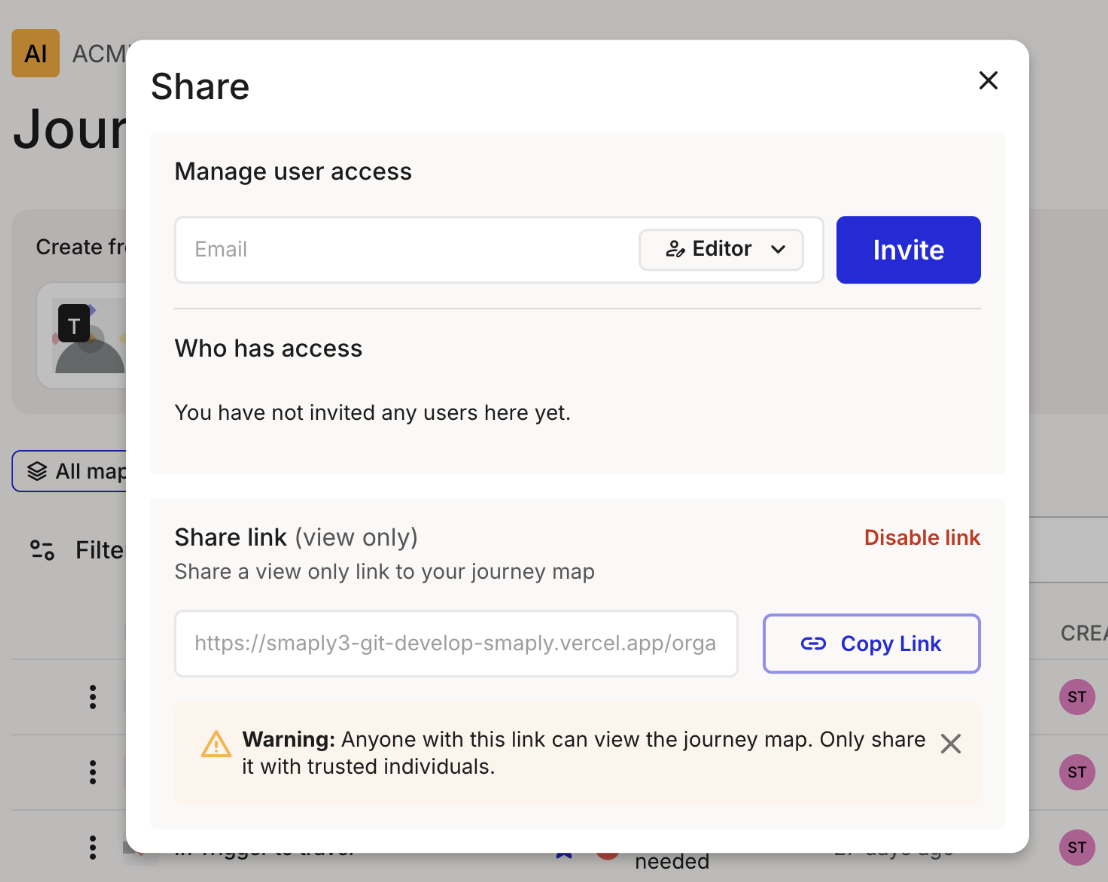
1. **Password-protected HTML sharing:** secure your shared [journey maps](/sharing-and-exporting/how-to-share-a-journey-map-via-html-link.md) with a password.
2. **Share filtered views:** share a specific filtered [view](/sharing-and-exporting/how-to-share-a-saved-view.md) of a map instead of the whole thing.
3. **New persona card types:** expand your [persona](/personas/how-to-edit-a-persona.md) documentation with more card options.
4. **Advanced filtering for dashboard lists:** combine selections with AND and OR operators to refine [list views](/journey-maps/filtering-and-views/how-to-filter-and-save-list-views.md).
5. **Duplicate and bulk-delete metrics:** copy a metric or remove several at once.
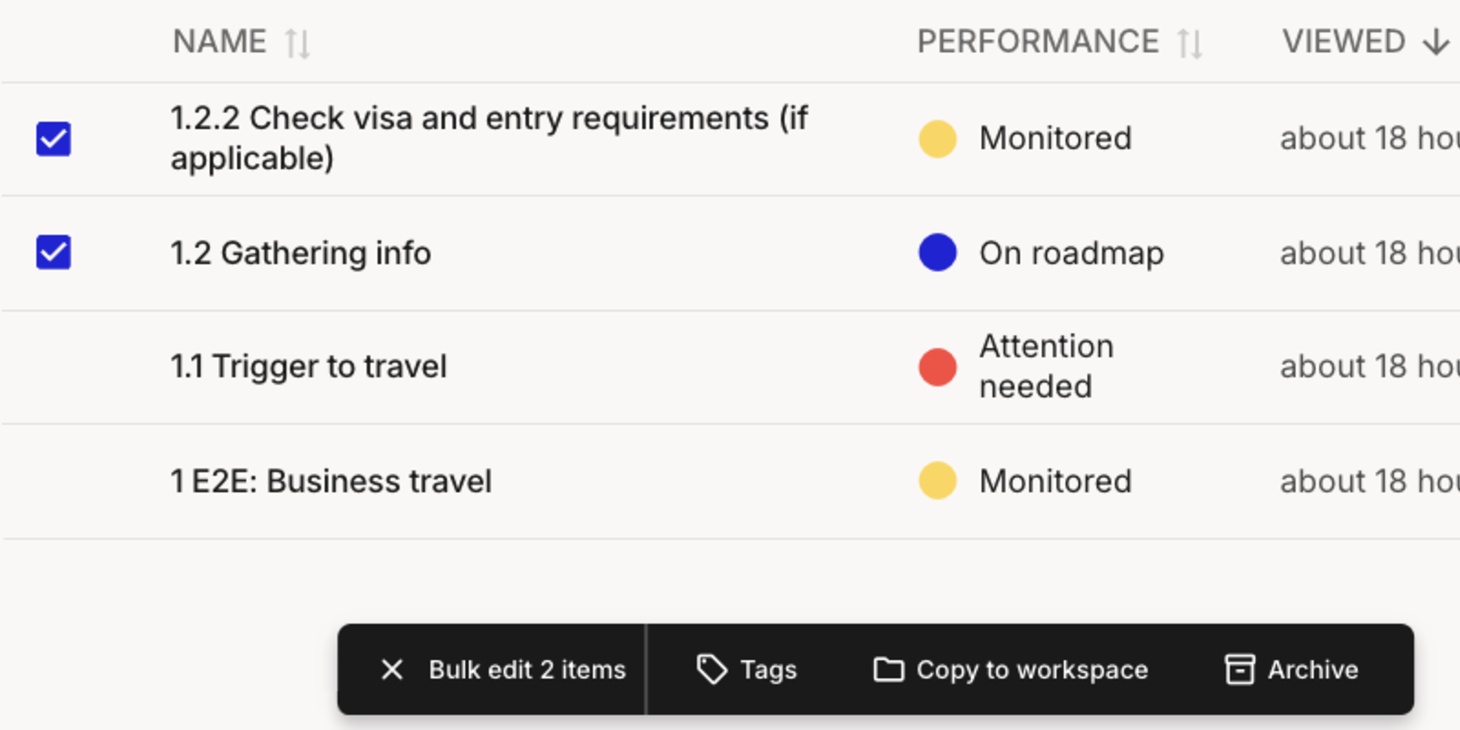
6. **Bulk-edit coordinator and performance indicator:** update these across many [journey maps](/journey-maps/how-to-bulk-edit-journey-maps-in-the-list.md) in one go.
{% endupdate %}
{% update date="2025-01-01" tags="new-feature,improvement" %}
## Planning cards for Asana, Azure DevOps, and Linear
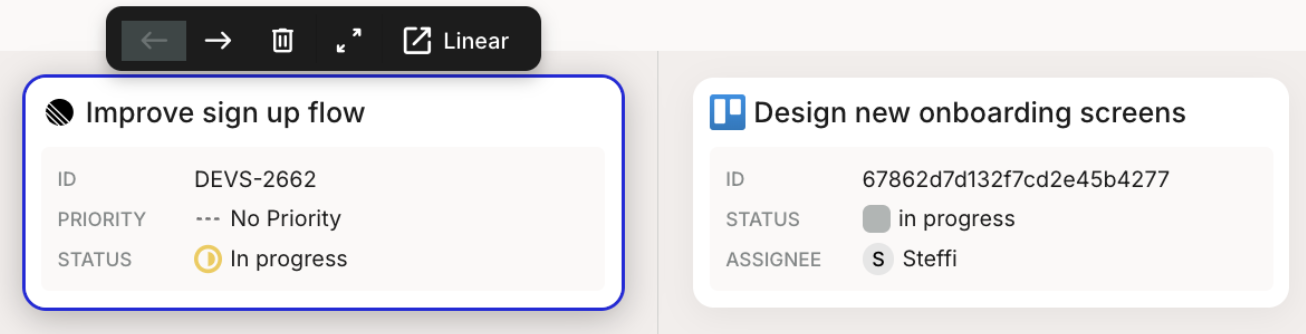
Bring your planning tools into your maps by adding [planning cards](/journey-maps/cards/how-to-use-planning-cards.md) from Jira, Trello, Asana, Azure DevOps, and Linear, so delivery work sits alongside the experience it supports.
### Save filters as a view for lists
Organize your journey map lists with [saved views](/journey-maps/filtering-and-views/how-to-filter-and-save-list-views.md), shared with your team or kept private to you.
### Bulk edit for journey maps and personas
Work efficiently with [bulk editing](/journey-maps/how-to-bulk-edit-journey-maps-in-the-list.md): archive, copy, or tag journey maps, and archive or copy personas.
### Tag and filter personas, portfolio items, and metrics
Tagging and tag filtering now reach beyond journey maps and cards to [every item](/account-and-team/tags/how-to-use-tags.md), so you can organize your whole workspace the same way.
### HTML sharing of a journey map
Share a read-only version of a [journey map](/sharing-and-exporting/how-to-share-a-journey-map-via-html-link.md) with anyone via a public link.
### Improvements
1. **Custom emotion-chart labels:** set your own labels on the [emotion chart](/journey-maps/lanes/how-to-use-emotion-chart-lanes.md) scale, no longer limited to the default range.
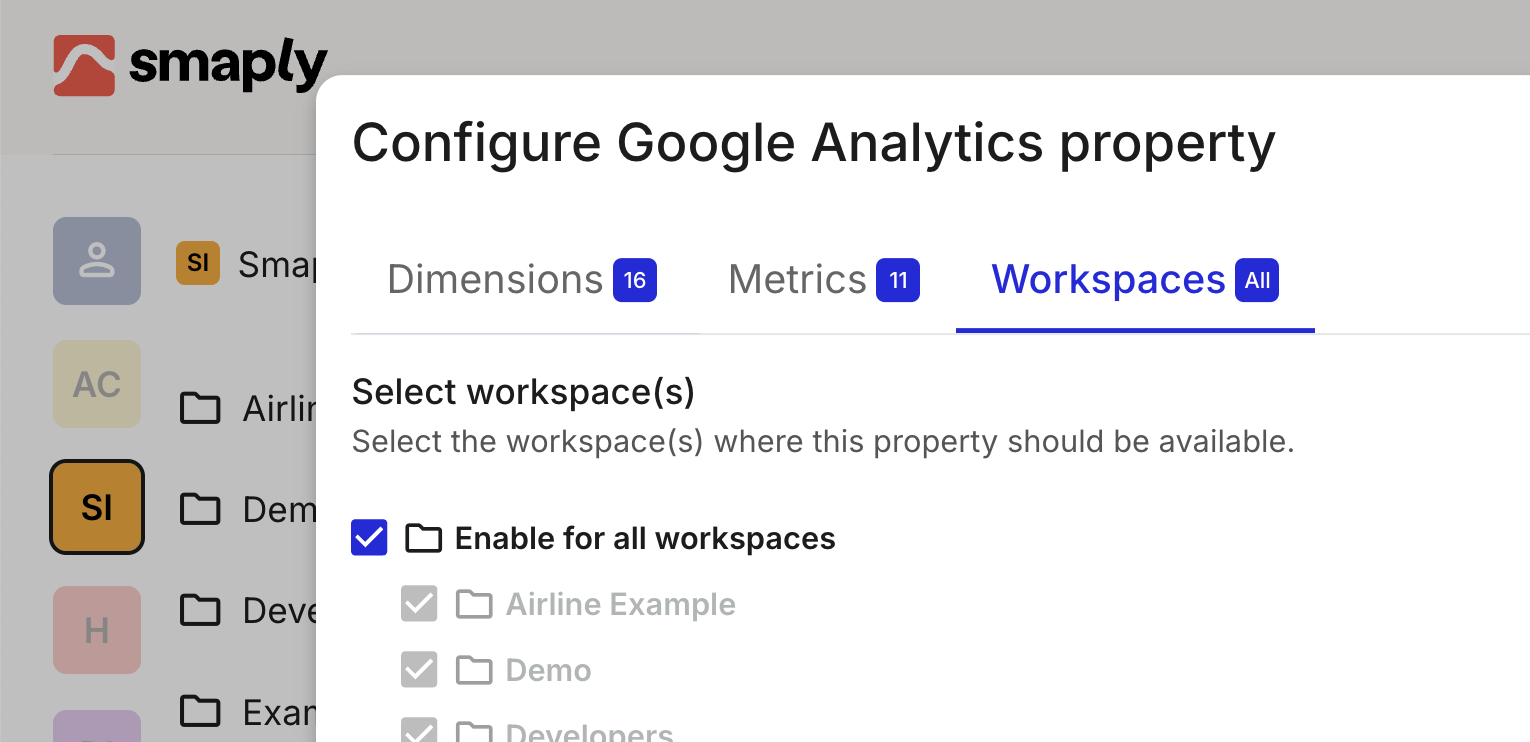
2. **Choose workspaces for Google Analytics:** pick which workspaces have the [Google Analytics](/integrations/metrics-tools/google-analytics/how-to-set-up-the-google-analytics-integration.md) integration enabled, for more control.
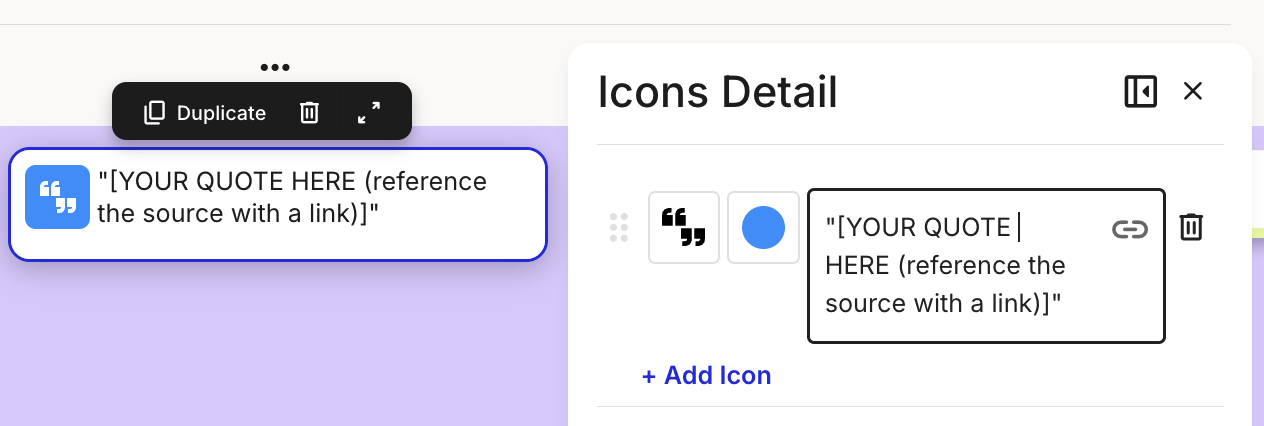
3. **Better icon card layout** for longer text, with a new "quotes" template. See [icon cards](/journey-maps/cards/how-to-use-icon-cards.md).
4. **Saved sort order:** your list sort order in the dashboard is now remembered.
{% endupdate %}
{% update date="2024-12-01" tags="new-feature,improvement" %}
## Slider cards
Add customizable [slider cards](/journey-maps/cards/how-to-use-slider-cards.md) to your personas or journey maps to show a value on a scale, making data easy to visualize and compare.
### Improvements
1. **Cleaner "Shared from outside":** maps from deleted accounts no longer appear there.
2. **Clearer account details:** the applied subscription plan now shows for every account.
3. **Alphabetical workspaces** in the main menu.
4. **Add-card menu in lane order:** cards in the add-card menu now match your lane order.
{% endupdate %}
{% update date="2024-11-01" tags="new-feature,improvement" %}
## Divider lanes
Add a [divider lane](/journey-maps/lanes/how-to-use-divider-lanes.md) to group and separate content in a map, so larger journeys stay organized and easy to read.
### Card tagging
Tag individual [cards](/account-and-team/tags/how-to-use-tags.md) to make them easier to find and categorize across your projects.
### Improvements
1. **Logo goes home:** clicking the Smaply logo always takes you to your personal dashboard.
2. **Smoother tag selection** for a more intuitive process.
3. **Users sorted by name** in your organization list, for easier navigation.
4. **Portfolio enhancements:** a new interactive bubble [chart](/portfolio/prioritization/how-to-use-the-portfolio-chart.md) and table, cleaner styling, a dropdown to pick opportunity, pain point, or solution, an improved create/edit modal, and CSV export that includes score names and values.
{% endupdate %}
{% update date="2024-10-01" tags="new-feature,improvement" %}
## Personal dashboard
See all your accounts and workspaces at a glance, along with recent activity and shared journey maps, so you can pick up where you left off from one [home](/getting-started-with-smaply.md).
### Account home page
A dedicated dashboard for shared accounts makes it easier to manage and reach your team's collective work. See [your account overview](/account-and-team/account-and-team.md).
### Redesigned settings
Your [account settings](/account-and-team/account-and-team.md) are now organized into tabs for more intuitive navigation.
### Improvements
1. **Better tag management:** a refreshed color palette and visual design, and duplicate tags within a category are now blocked for cleaner categorization. See [creating and editing tags](/account-and-team/tags/how-to-create-and-edit-tags.md).
2. **Free-plan access:** free-plan users can now assign tags to journey maps (tag management stays on paid plans), and a free-plan user can be assigned to one journey map per account.
{% endupdate %}
{% update date="2024-09-01" tags="new-feature,improvement" %}
## Tags for journey maps
Organize and filter your journey maps with [tags](/account-and-team/tags/how-to-use-tags.md), so projects stay easy to manage as your library grows.
### Google Analytics integration
Connect [Google Analytics](/integrations/metrics-tools/google-analytics/how-to-set-up-the-google-analytics-integration.md) to bring real usage data into your journey insights.
### Filtering across menus
A consistent condition bar brings the same [filtering](/journey-maps/filtering-and-views/how-to-filter-a-journey-map.md) experience to every menu.
### Main menu drawer
A new drawer component gives the [main menu](/getting-started-with-smaply.md) a cleaner, less cluttered interface.
### Refreshed logo
We have updated the Smaply logo to match our evolving brand.
### Improvements
1. **Safer account deletion:** extra confirmation steps in the deletion flow help prevent mistakes.
2. **Higher rate limit** for better performance under load.
3. **Richer metrics:** more options for how metrics are displayed and compared.
{% endupdate %}
{% endupdates %}
---
# Agent Instructions
This documentation is published with GitBook. GitBook is the documentation platform designed so that both humans and AI agents can read, navigate, and reason over technical content effectively. Learn more at gitbook.com.
## Querying This Documentation
If you need additional information that is not directly available in this page, you can query the documentation by asking a question.
Perform an HTTP GET request on the following URL with the `ask` and `goal` query parameters:
```
GET https://helpdesk.smaply.app/release-notes.md?ask=&goal=
```
`ask` is the immediate question: it should be specific, self-contained, and written in natural language.
`goal` is what the user is ultimately trying to achieve, the reason they need the answer. Sharing it helps GitBook give you a better, more relevant answer. A goal is most helpful when it describes the outcome the user wants rather than restating the question. For example, with `ask=how do I create an API token`, a goal like `automate deployments from our CI pipeline` lets GitBook tailor the answer to that use case.
The response will contain a direct answer to the question and relevant excerpts and sources from the documentation.
Use this mechanism when the answer is not explicitly present in the current page, you need clarification or additional context, or you want to retrieve related documentation sections.


![A dark banner across the top of a locked journey map, reading This journey is locked by [name]. You can navigate the map, but not edit it.](https://1197101183-files.gitbook.io/~/files/v0/b/gitbook-x-prod.appspot.com/o/spaces%2For99xDEElfps9uMDY60K%2Fuploads%2Fgit-blob-682d1d4c97a3136042aab52392da0d2b2d1332af%2Frn-2026-09-lock-journey-map.png?alt=media)