> For the complete documentation index, see [llms.txt](https://helpdesk.smaply.app/llms.txt). Markdown versions of documentation pages are available by appending `.md` to page URLs; this page is available as [Markdown](https://helpdesk.smaply.app/journey-maps/lanes/how-to-use-freeform-lanes.md).

# How to use freeform lanes

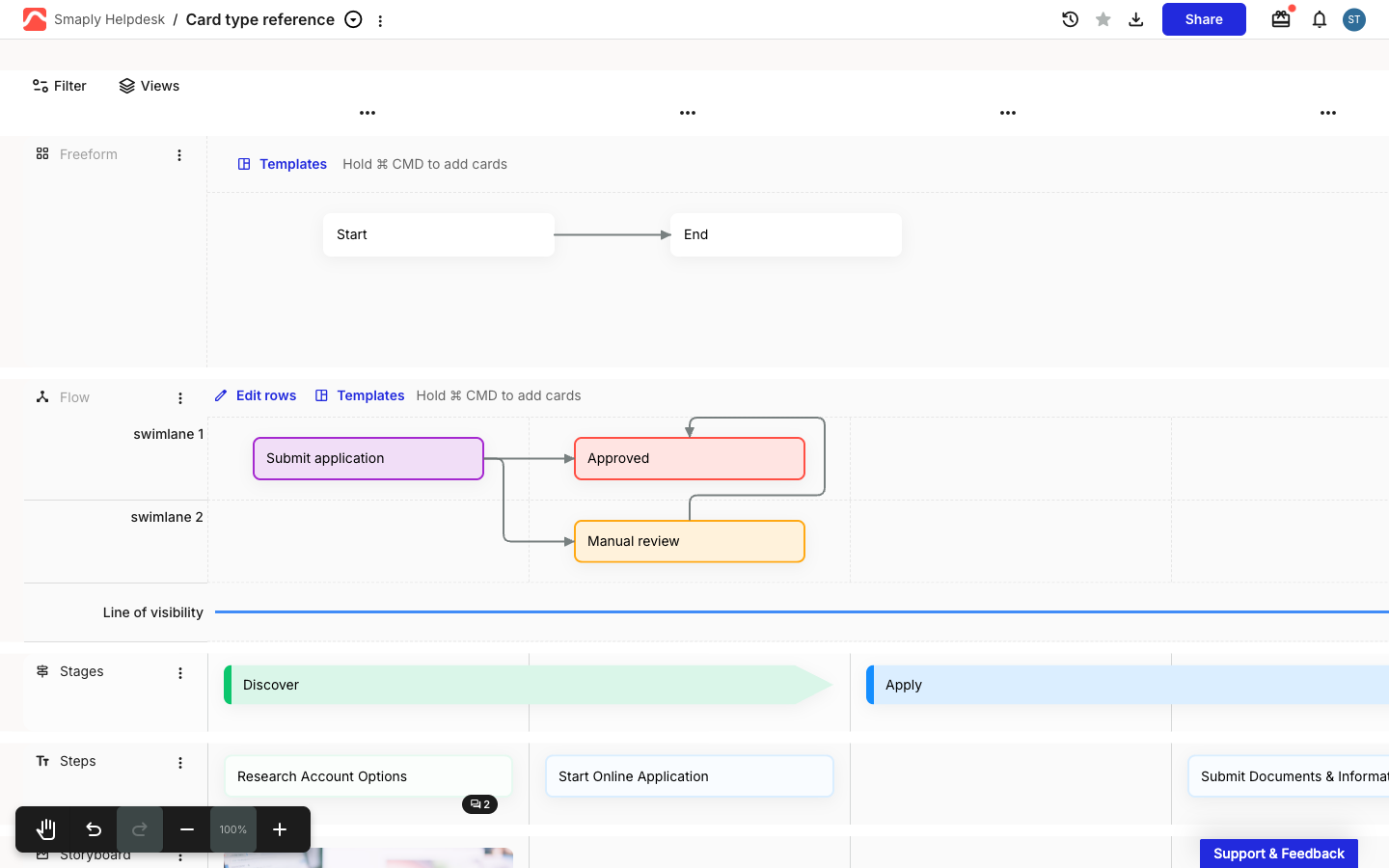
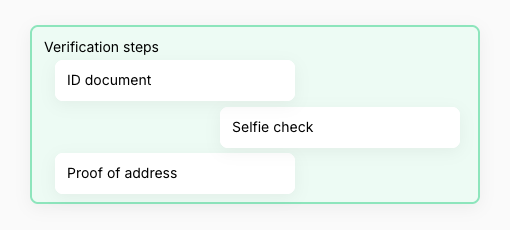
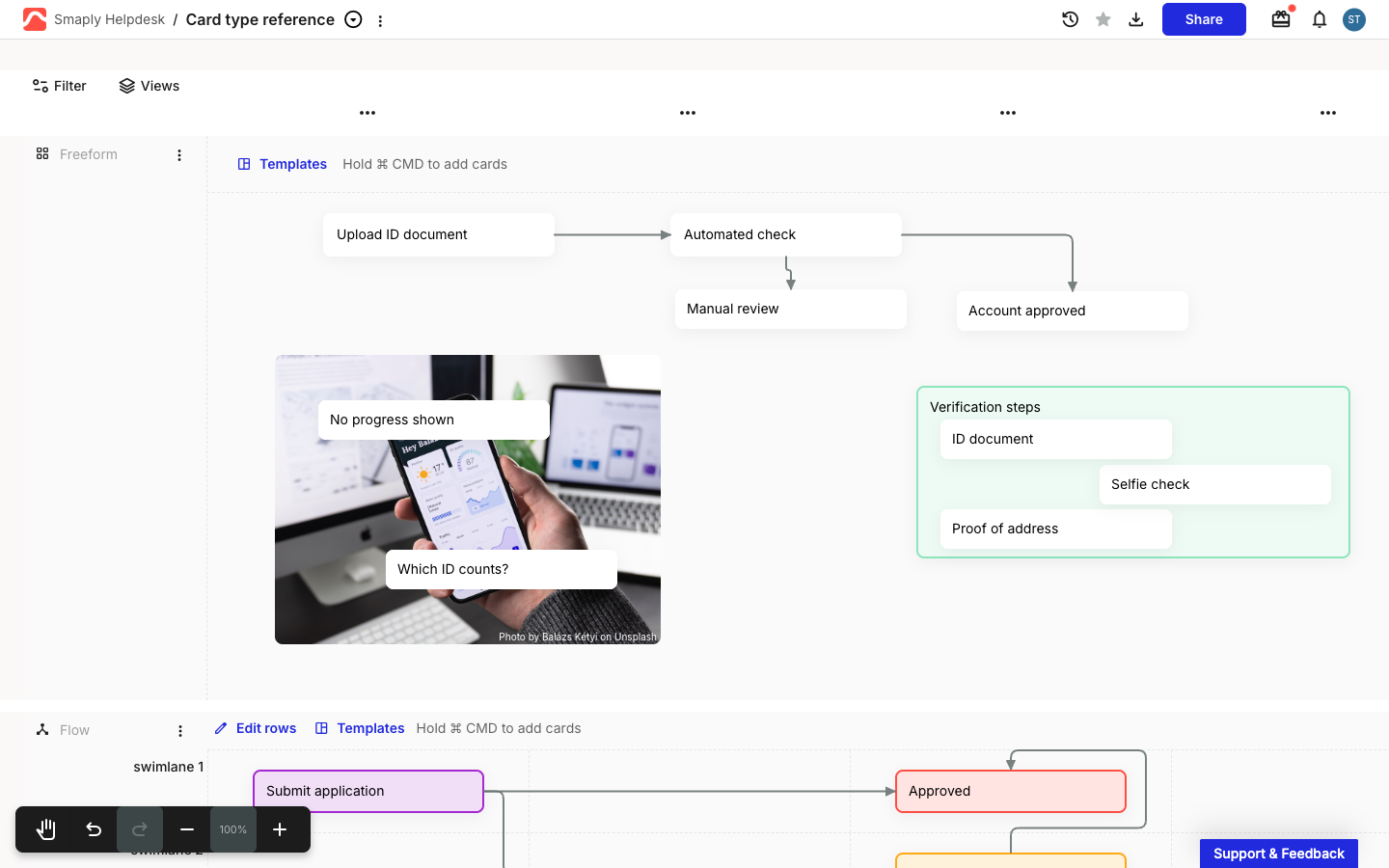
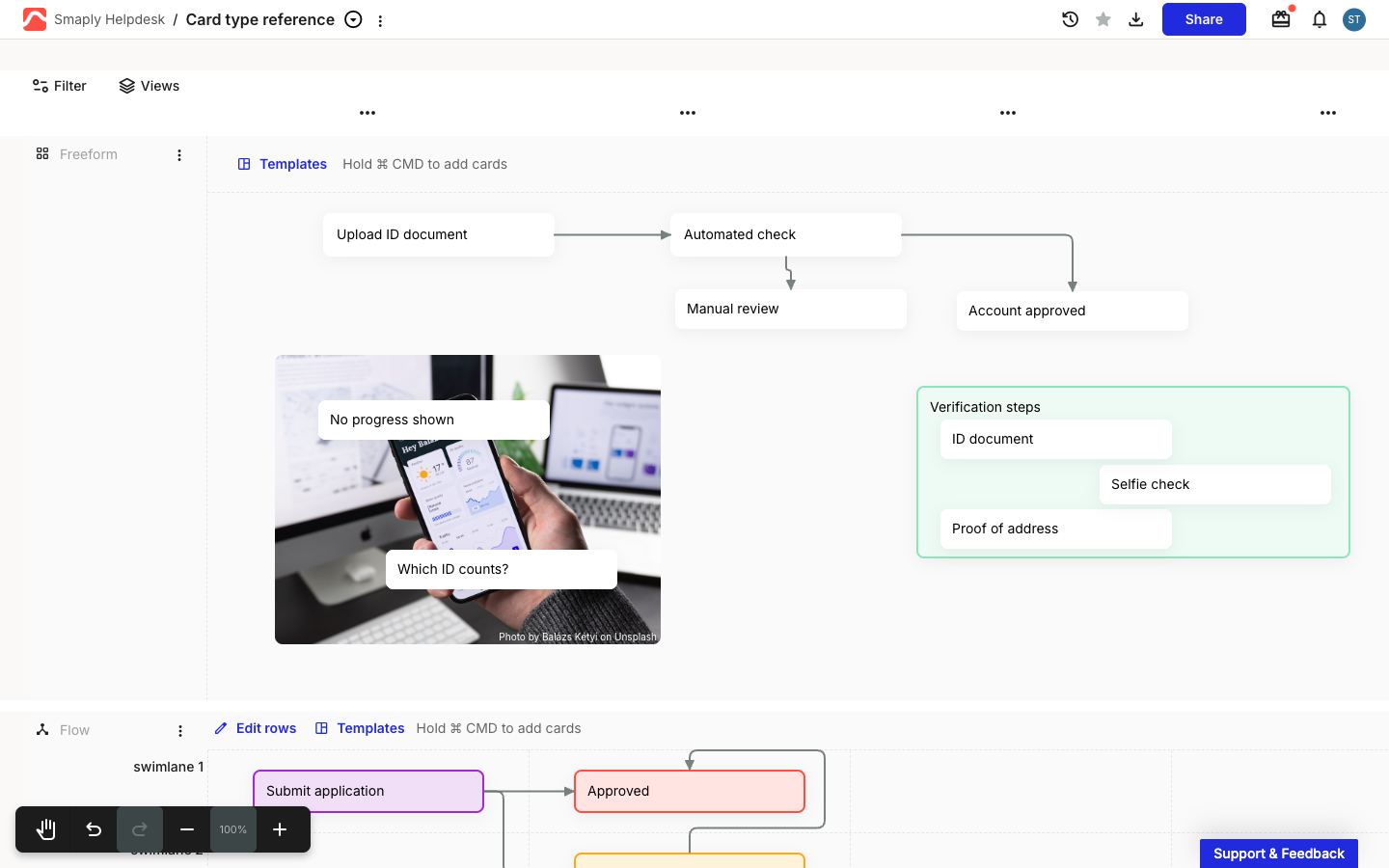
A freeform lane turns a lane into an open canvas. Instead of snapping cards to the column grid, you drop them wherever you want and join them with connector arrows, so whiteboard-style diagrams live alongside the structured rows of your journey map.

\[Screenshot - CRITICAL: A journey map with a freeform lane. Several cards sit at different positions across an open canvas, not aligned to columns, joined by grey connector arrows. Show the lane header and the draggable bottom edge.]

{% hint style="info" icon="tag" %}
Freeform lanes are available on paid plans. \[VERIFY: exact plan tier]
{% endhint %}

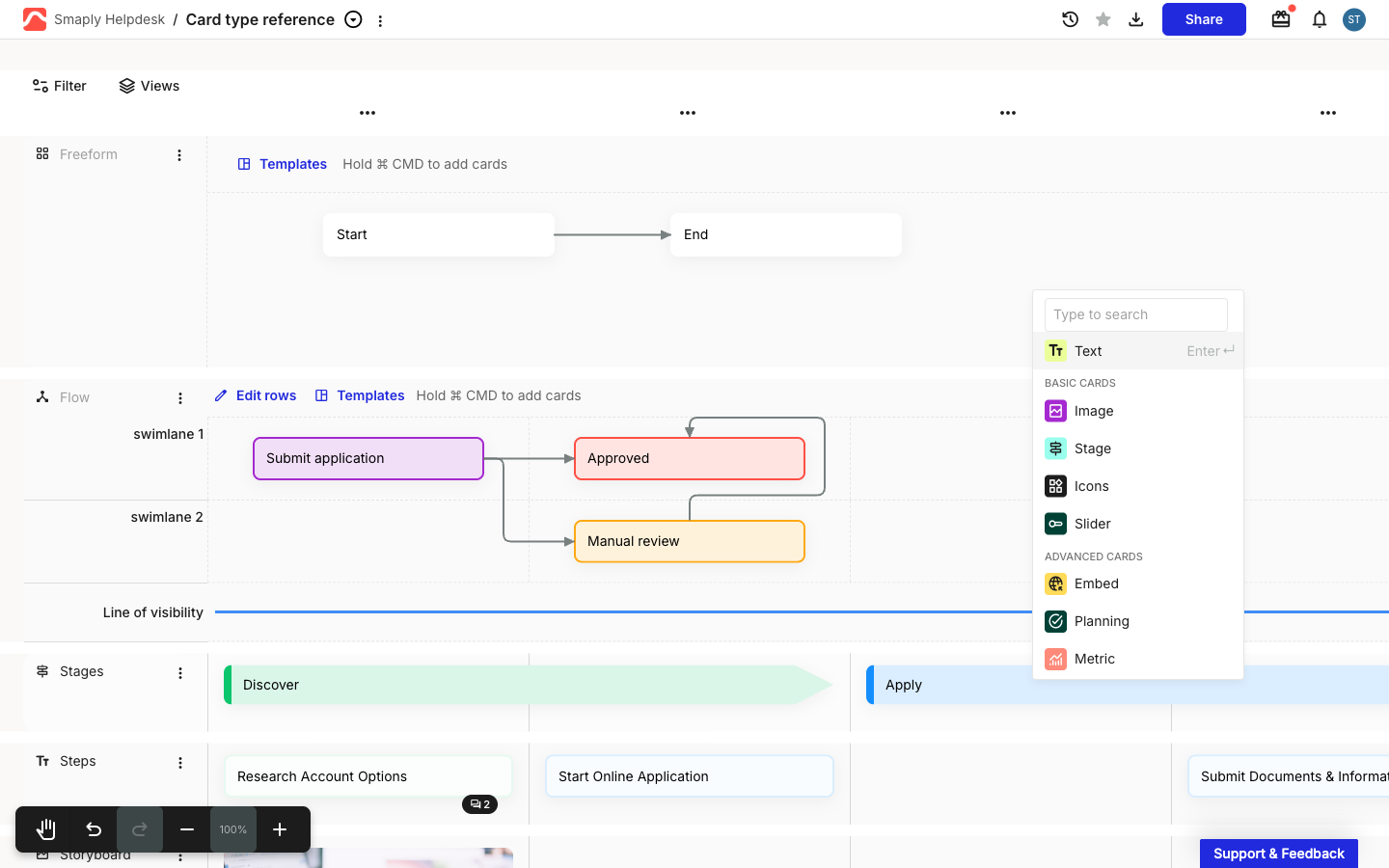
To add a freeform lane, use the **+ Add lane** picker and choose **Freeform** under **BASIC LANES**, the same way you add any other lane. See [How to add and manage lanes](/journey-maps/lanes/how-to-add-and-manage-lanes.md) for the full add and manage flow.

***

#### How to add and position cards

A freeform lane holds any card type, the same as the rest of the map. What is different is placement: cards sit wherever you drop them on the canvas instead of snapping to a column, and they stay put as you add or remove columns elsewhere on the map.

As in a flow lane, dragging on the canvas draws a connector, so adding a card uses a modifier key to keep the two actions apart. Hold **Cmd** (Mac) or **Ctrl** (Windows) and click the **+ Add card** button that appears, then drag the card to position it anywhere in the lane. \[VERIFY: confirm the freeform add-card interaction matches the flow lane's hold-to-add.] Adding and editing card content works the same as anywhere else on the map. See [How to add and edit cards](/journey-maps/cards/how-to-add-and-edit-cards.md).

\[Screenshot - CRITICAL: A freeform lane with the modifier key held, showing the + Add card button on the open canvas.]

***

#### How to connect cards

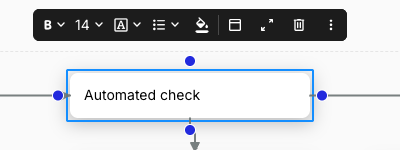
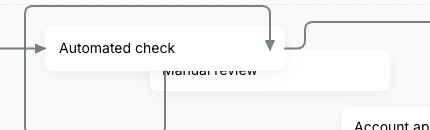
Cards in a freeform lane connect with the same arrows as a flow lane. Click a card to select it and show its four attach points, one at the middle of each edge, then drag from an attach point onto another card and release to draw the arrow. Connectors run within the same lane only, in any direction, from any edge to any edge.

To edit a connector, click it and drag either end handle onto a different card or edge. To remove one, select it and press **Delete** or **Backspace**. For the full connector walkthrough, see [How to use flow lanes](/journey-maps/lanes/how-to-use-flow-lanes.md).

\[Screenshot - Helpful: A selected card in a freeform lane showing its four connector attach points, with an arrow drawn to a second card.]

***

#### How to resize a freeform lane

A freeform lane is as wide as the map, and it grows downward when you need more room. Drag the lane's bottom edge to make it taller, giving your cards and connectors more space to spread out.

\[Screenshot - Helpful: Dragging the bottom edge of a freeform lane to make it taller.]

***

#### Freeform lanes vs flow lanes

Freeform and flow lanes both connect cards with arrows. The difference is structure: a flow lane keeps the column grid, and a freeform lane drops it.

* **Freeform lane** - an open canvas where cards stay exactly where you place them. Best for whiteboard-style diagrams that don't follow the journey's steps.
* **Flow lane** - a grid of swimlanes and columns where cards align to steps and reflow when you add a column. Best for service blueprints and process flows tied to the journey.

|                                         | **Freeform lane**                           | **Flow lane**                                              |
| --------------------------------------- | ------------------------------------------- | ---------------------------------------------------------- |
| **Best for**                            | Whiteboard-style diagrams, off-grid layouts | Service blueprints and process flows tied to journey steps |
| **Card placement**                      | Anywhere on the canvas; stays fixed         | Snaps to swimlane and column; reflows with columns         |
| **Column grid?**                        | <i class="fa-xmark">:xmark:</i> No          | <i class="fa-check">:check:</i> Yes                        |
| **Swimlanes and lines of interaction?** | <i class="fa-xmark">:xmark:</i> No          | <i class="fa-check">:check:</i> Yes                        |
| **Connector arrows?**                   | <i class="fa-check">:check:</i> Yes         | <i class="fa-check">:check:</i> Yes                        |

***

#### Related topics

<table data-column-title-hidden data-view="cards"><thead><tr><th>Title</th><th>Description</th><th data-hidden data-card-target data-type="content-ref">Target</th></tr></thead><tbody><tr><td><strong>How to use flow lanes</strong></td><td>The grid-based sibling with swimlanes and columns, where connected cards follow the journey's steps.</td><td><a href="/pages/qMJDhOYEVQ0ekNH9KpPU">/pages/qMJDhOYEVQ0ekNH9KpPU</a></td></tr><tr><td><strong>How to add and manage lanes</strong></td><td>Add a freeform lane, reorder it, recolour it, or delete it, alongside every other lane type.</td><td><a href="/pages/cEW7pumNPGKdJ65EEAz7">/pages/cEW7pumNPGKdJ65EEAz7</a></td></tr><tr><td><strong>How to add and edit cards</strong></td><td>Add cards to a freeform lane and manage their tags, personas, and comments.</td><td><a href="/pages/DI00pTOdaJmOwltHKgIa">/pages/DI00pTOdaJmOwltHKgIa</a></td></tr><tr><td><strong>How to use grid lanes</strong></td><td>The row-and-column lane a flow lane is built on, without the connectors.</td><td><a href="/pages/lZD6w7ZNrPaXH8F0kQNn">/pages/lZD6w7ZNrPaXH8F0kQNn</a></td></tr></tbody></table>


---

# Agent Instructions
This documentation is published with GitBook. GitBook is the documentation platform designed so that both humans and AI agents can read, navigate, and reason over technical content effectively. Learn more at gitbook.com.

## Querying This Documentation
If you need additional information that is not directly available in this page, you can query the documentation dynamically by asking a question.

Perform an HTTP GET request on the current page URL with the `ask` query parameter, and the optional `goal` query parameter:

```
GET https://helpdesk.smaply.app/journey-maps/lanes/how-to-use-freeform-lanes.md?ask=<question>&goal=<endgoal>
```

`ask` is the immediate question: it should be specific, self-contained, and written in natural language.
`goal` is optional and describes the broader end goal you are ultimately trying to accomplish on behalf of the user. GitBook uses it to tailor the answer towards what is most useful for that goal.

The response will contain a direct answer to the question and relevant excerpts and sources from the documentation.

Use this mechanism when the answer is not explicitly present in the current page, you need clarification or additional context, or you want to retrieve related documentation sections.